
Register a New ID Card by Entering Your Card Activation Code
If you have a Card Activation Code, you can use this simple method to register your card.
-
Swipe your card on the card reader attached to the device.
-
Tap the Card Activation Code button.
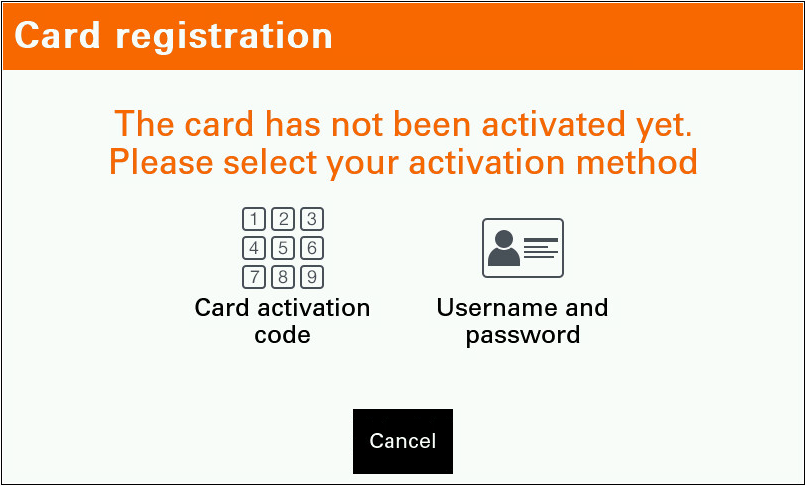
-
Tap the Activation Code text field.
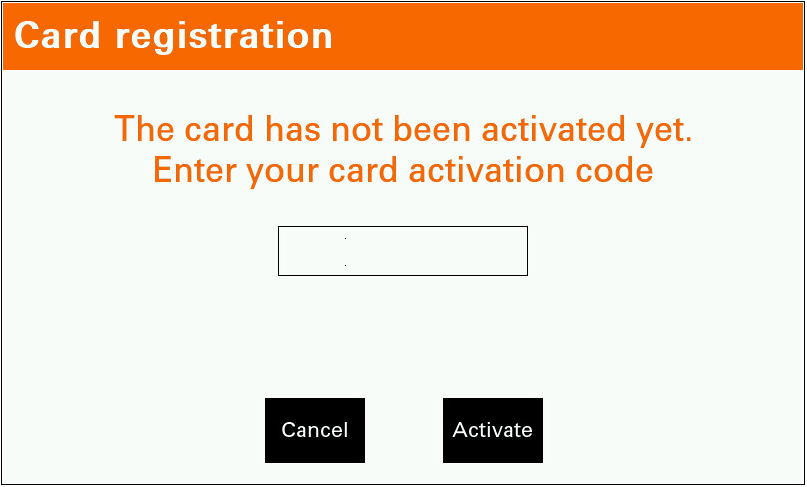
-
Enter your Card Activation Code and tap the Activate button.
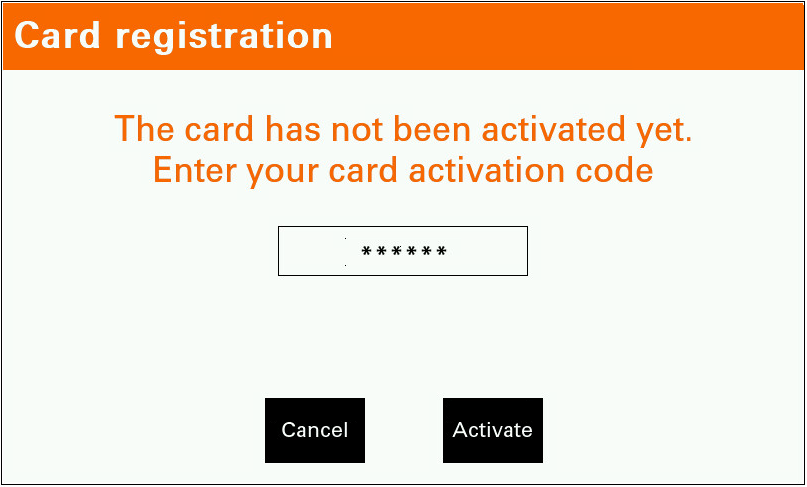
-
If the assignment process is successful, you will be logged into the device and the new card is assigned to your user account.
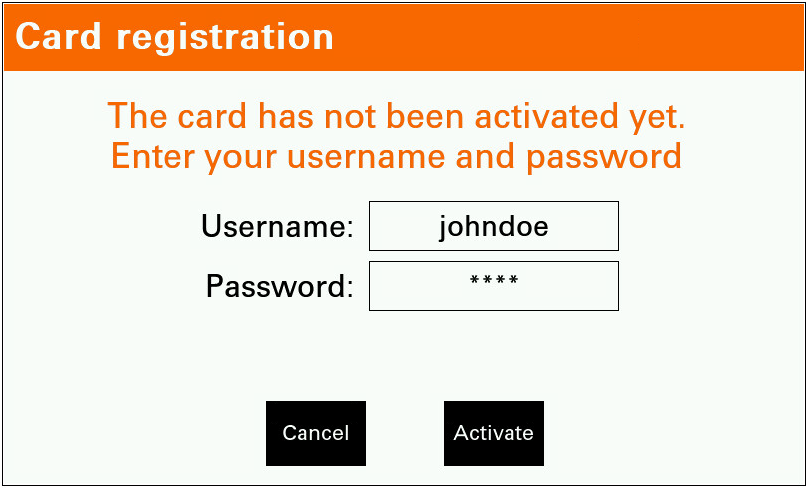
Register a New card by Entering Your Username and Password
-
Swipe your card on the card reader attached to the device.
-
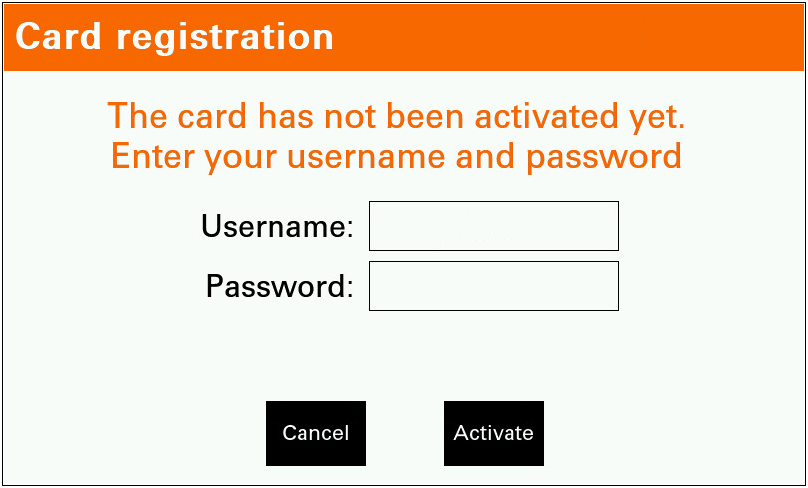
Tap the Username and password button.
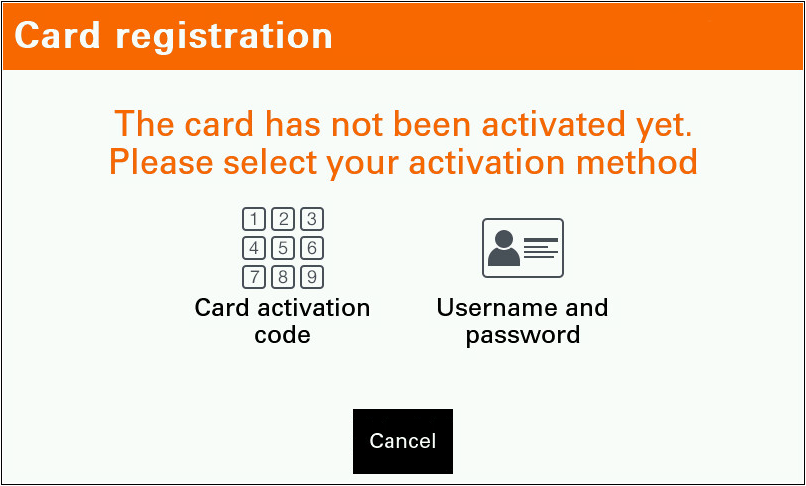
-
Tap the Username button.
-
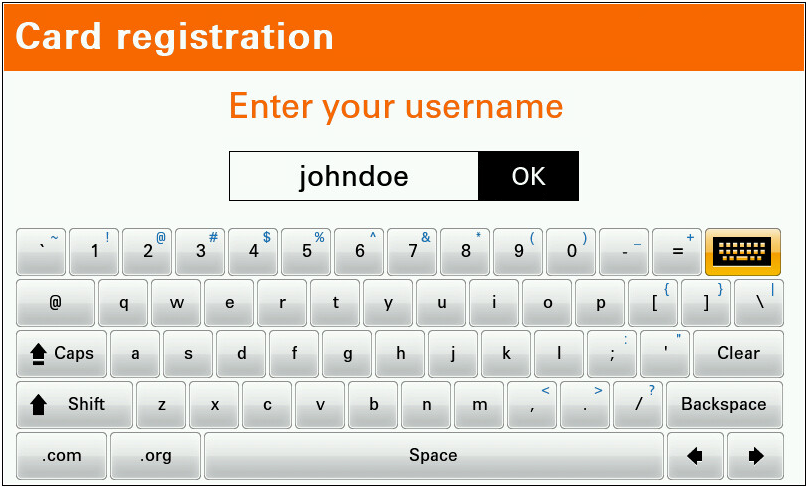
Enter your Username and confirm it with the OK button.
-
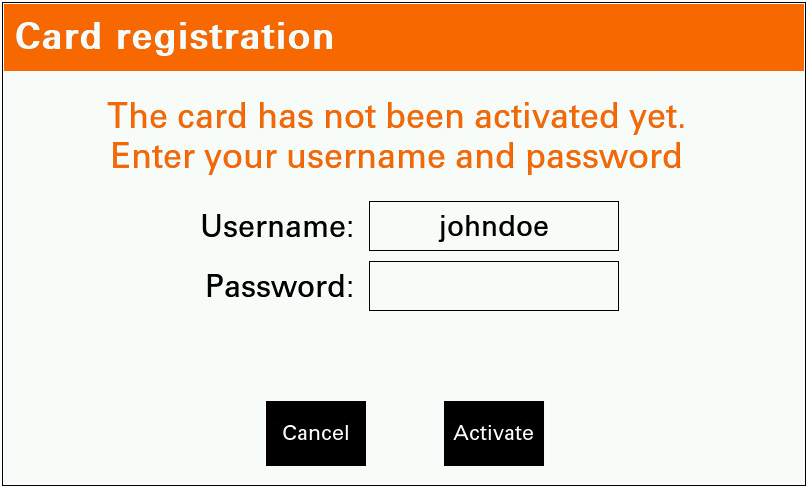
Tap the Password button.
-
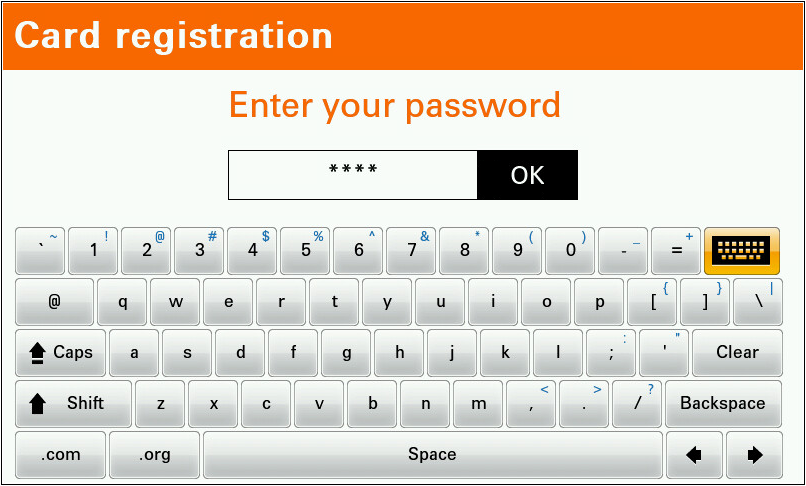
Enter your Password and confirm it with the OK button.
-
Tap the Activate button.
-
If the assignment process is successful, you will be logged into the device and the new card is assigned to your user account.
If you use an invalid card during authentication with login and password and card sequence then card is automatically assigned to user.