
Relevant Products
Endpoints are available in BREEZE MFD pro print pro mfp
Add edge device option is available in pro print pro mfp
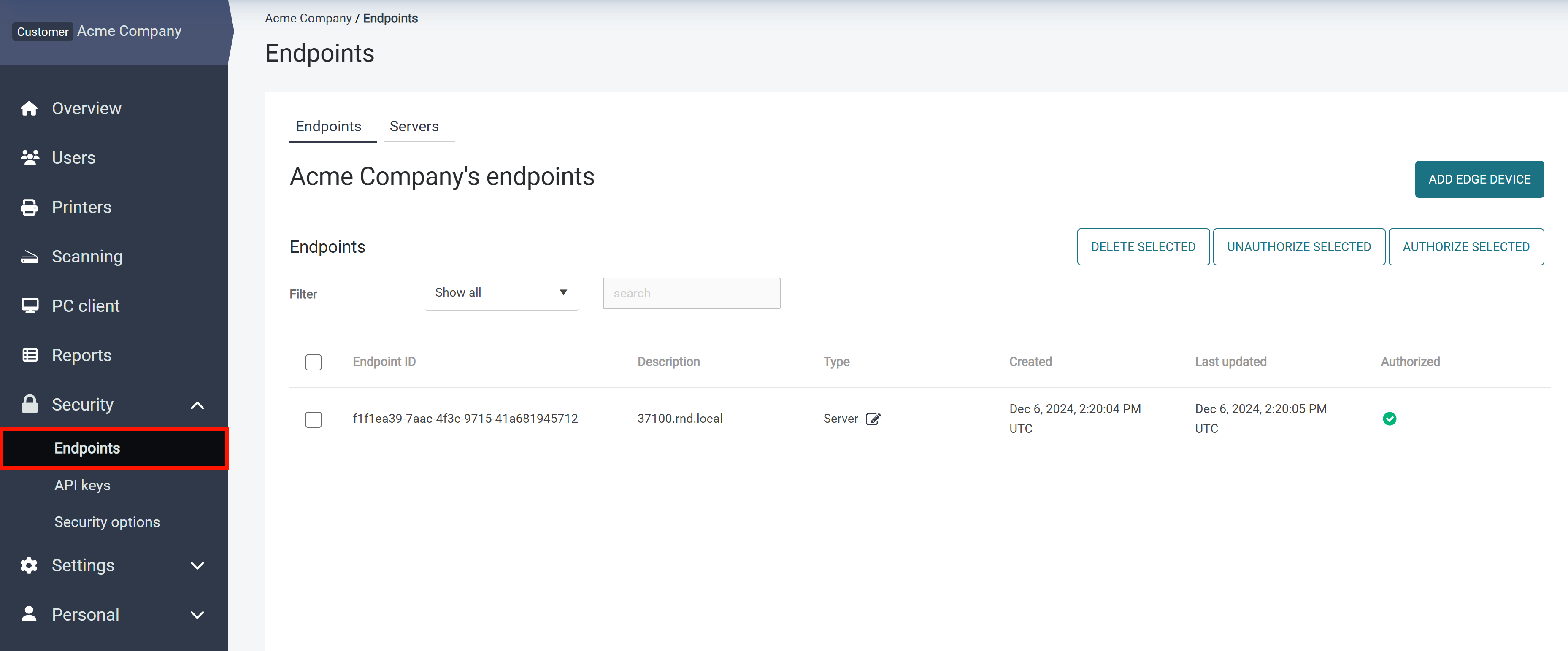
In the SAFEQ Cloud Web UI navigation menu, click Security > Endpoints.
The Endpoints tab contains the list of all endpoints that accessed the server. You can authorize or unauthorize individual endpoints and filter them by type. YSoft SAFEQ Cloud distinguishes the following endpoint types:
-
Server
-
Printer
-
SAFEQ Cloud client
-
Browser extension
Recovering from: Printer with the same endpoint ID already exists
This message appears when a device attempts to register while an endpoint record with the same ID already exists — typically after a terminal reinstallation or when a terminal re-enrolls after its token expired. To recover: go to Security > Endpoints, locate the endpoint by its ID or serial number, remove it, and run the installation or device code flow again. The device then registers cleanly and can be authorized as usual.