
Compatible blocking cables
-
YSQC0-026-0000 Cable Sharp (Type 3)
-
YSQC0-027-0000 Cable Sharp (Type 4)
-
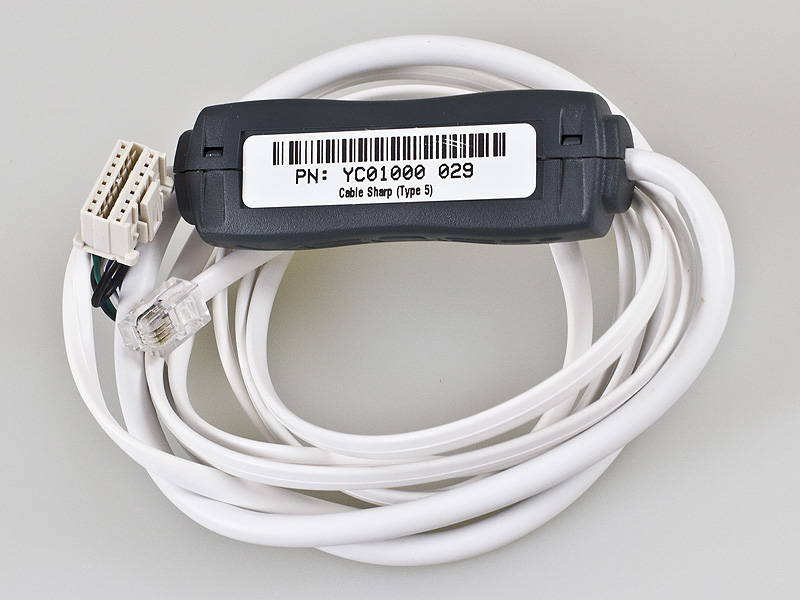
YSQC0-029-0000 Cable Sharp (Type 5)
Setting via device service menu
After entering device service menu, following steps have to be performed:
-
Press 26
-
Press Start
-
Press 3
-
Press Start
-
Select outside auditor as VENDOR-EX, vendor mode as MODE3
-
Press Start
-
Press CA
Quit registry settings
|
Compatible devices |
|---|
|
Sharp MX-2610N Sharp MX-2614N |
Examples of blocking cable connection:
Sharp MX-2610N
YSQC0-029-0000 Cable Sharp (Type 5)

Sharp MX-M264N
YSQC0-058-0000 Cable Sharp v2 (Type 5)
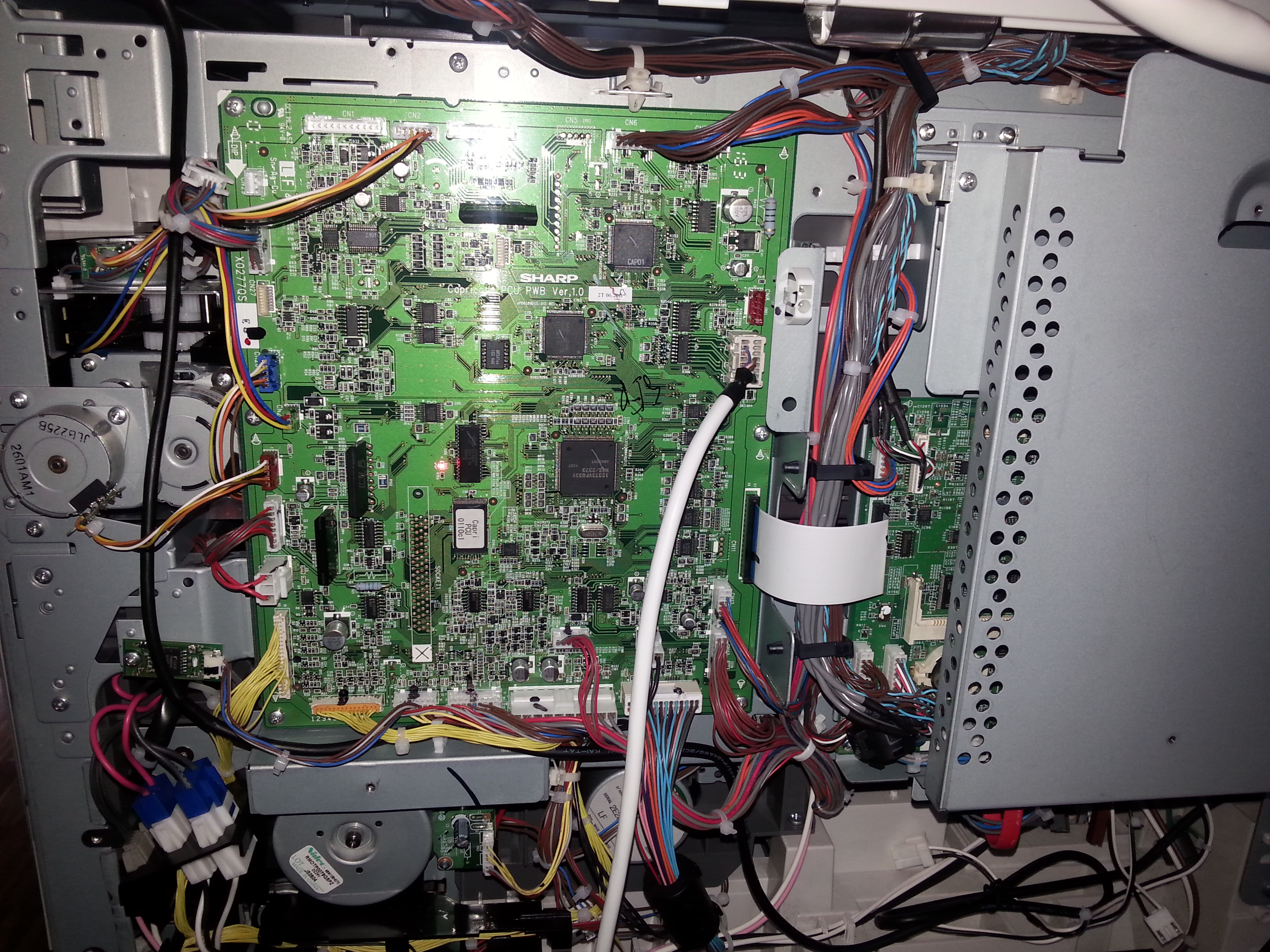
Sharp MX-3060N/3560N/4060N
YSQC0-058-0000 Cable Sharp v2 (Type 5)
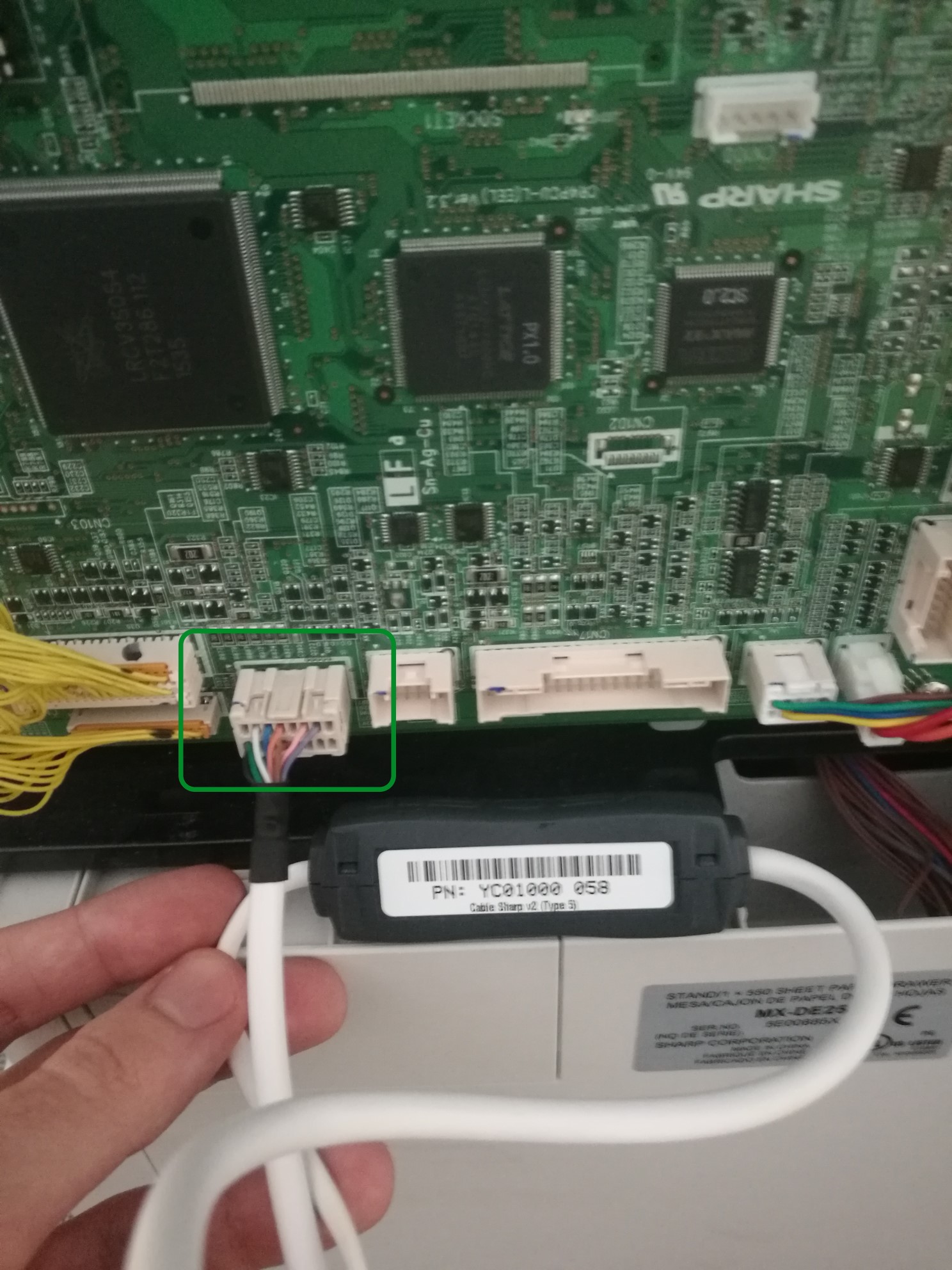
Smart Blocking Cables for Hardware Terminals
Required for copy control
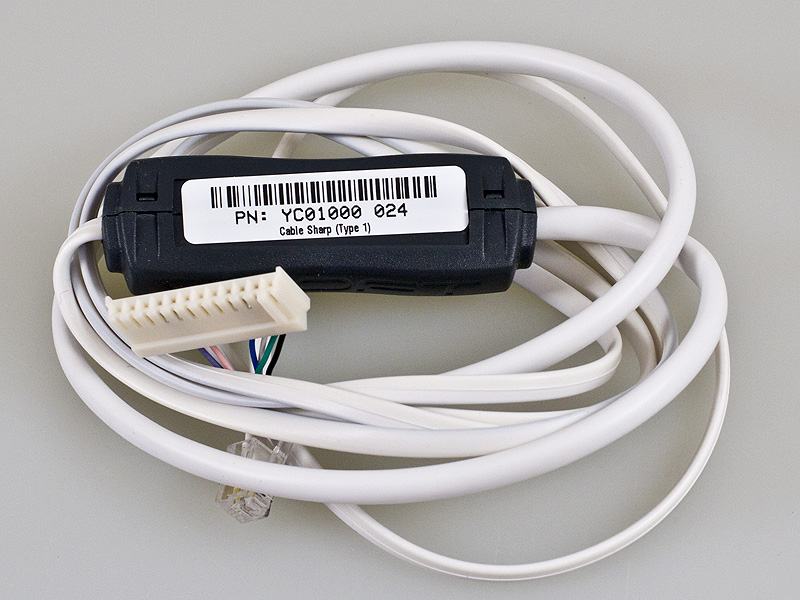
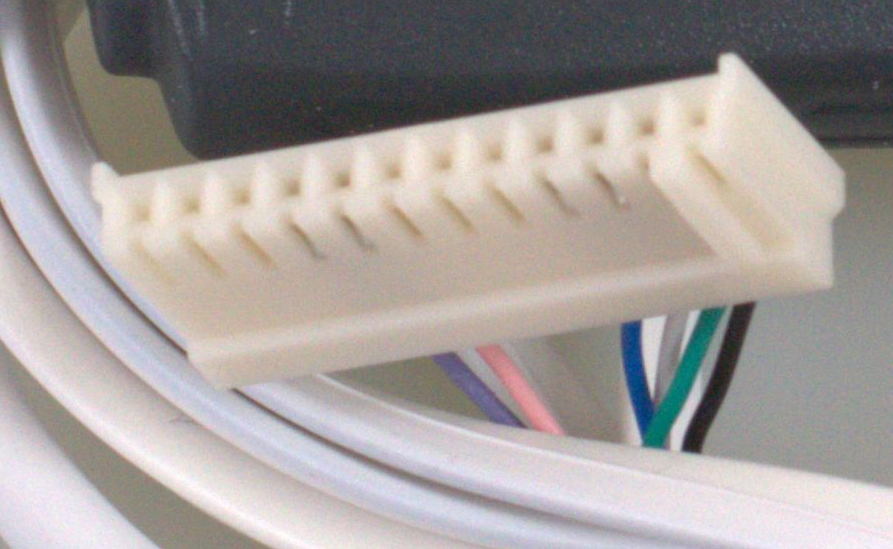
YSQC0-024-0000
Sharp cable type 1
YSQC0-025-0000
Sharp cable type 2
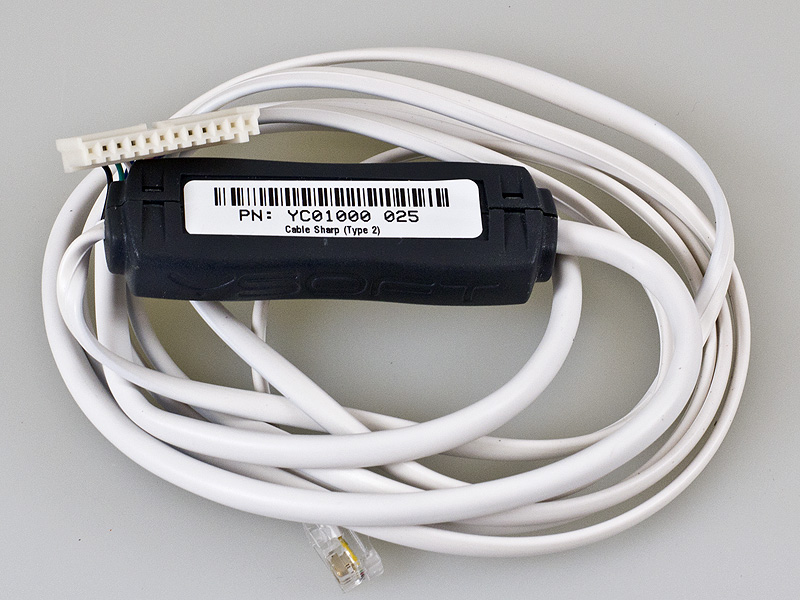
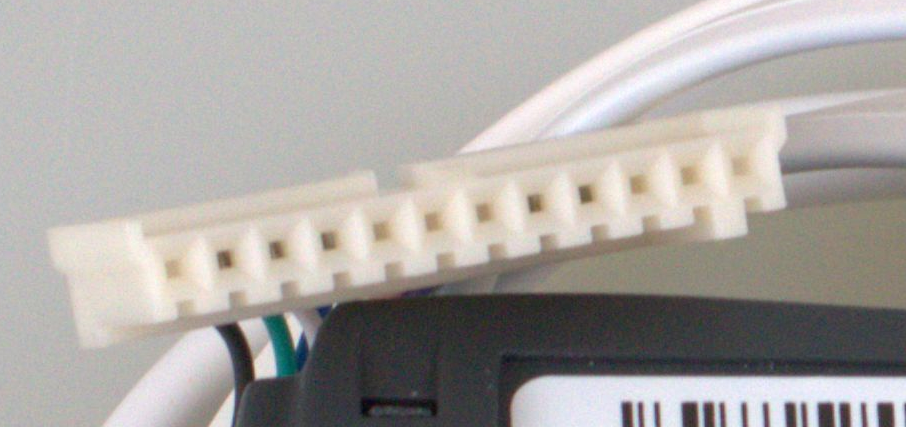
YSQC0-026-0000
Sharp cable type 3

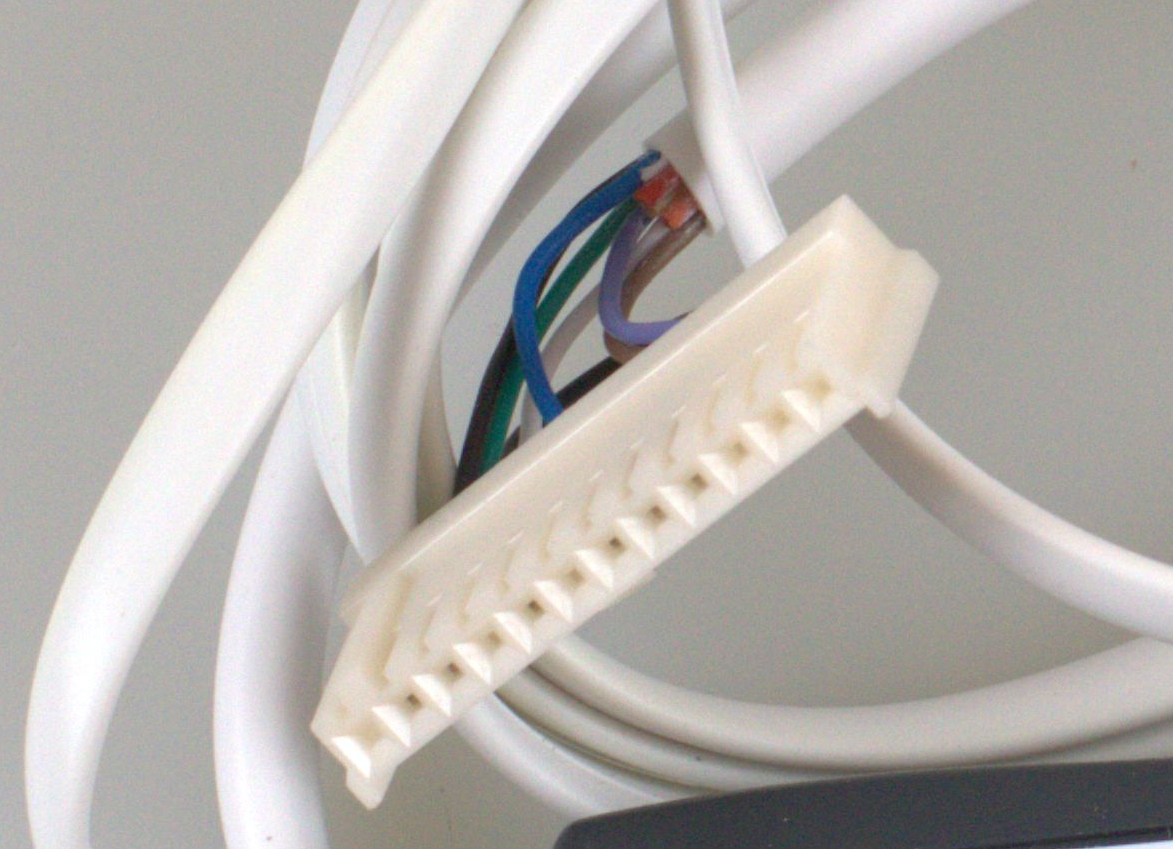
YSQC0-027-0000
Sharp cable type 4

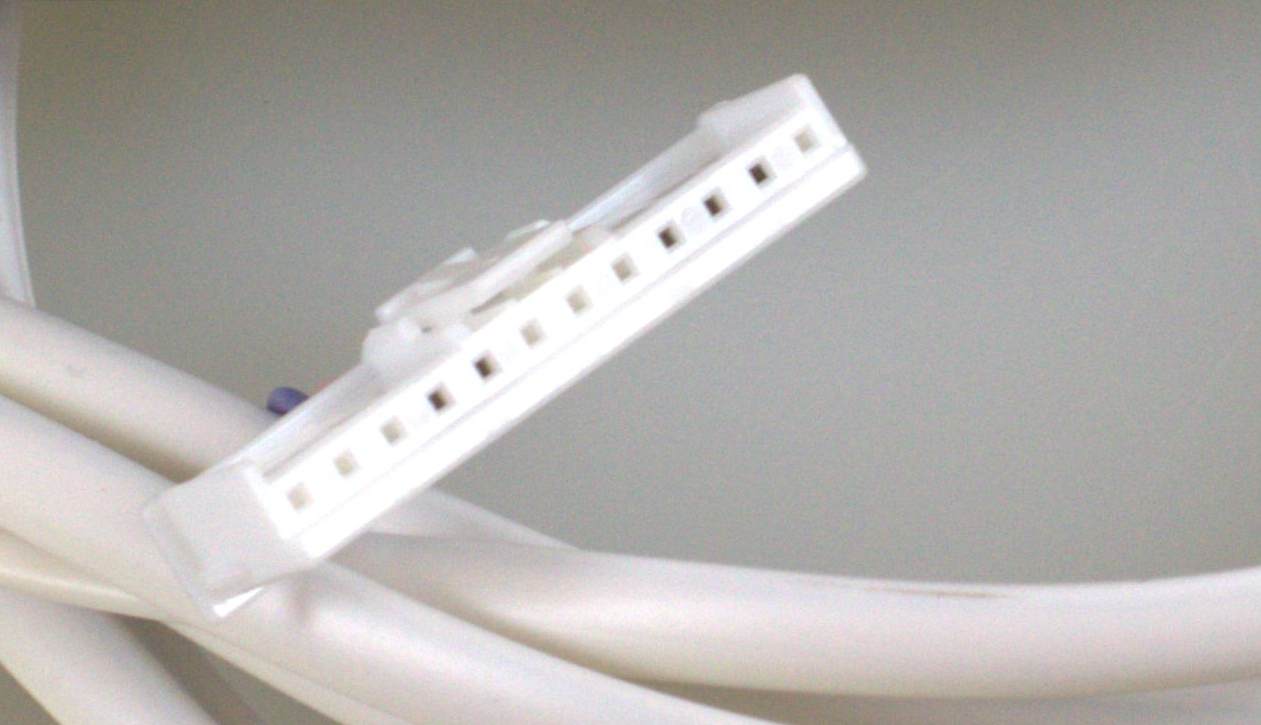
YSQC0-029-0000
Sharp cable type 5
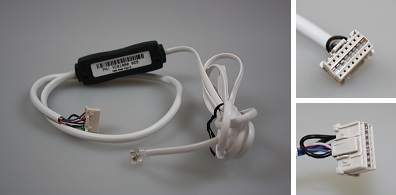
YSQC0-058-0000
Sharp v2 cable type 5