If your system allows you to make copies, follow these instructions.
If you have questions about whether or not you can make copies, contact your system administrator.
Copying at a Fuji Xerox Device
-
Log into the embedded terminal.
-
On the Main Menu screen, tap Copy.
ApeosPort-VI and older
ApeosPort-VII
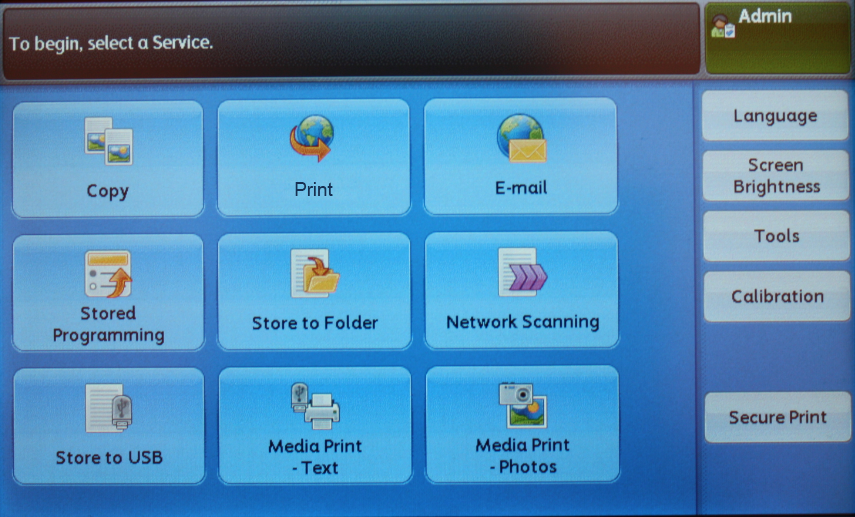
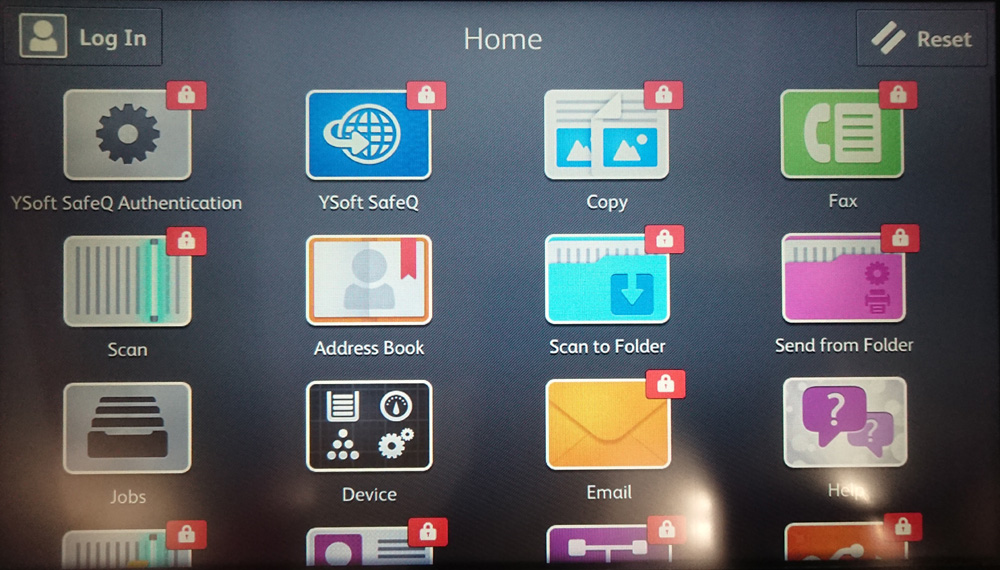
Your Main Menu screen may not look exactly like the one shown here.
You may need to press the Home button to get to the Main Menu screen.
-
-
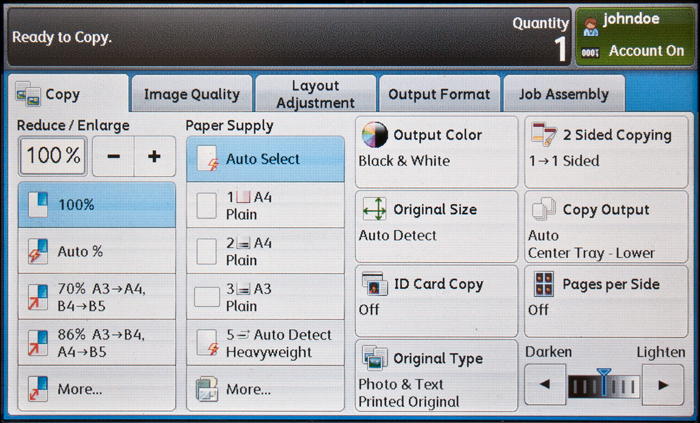
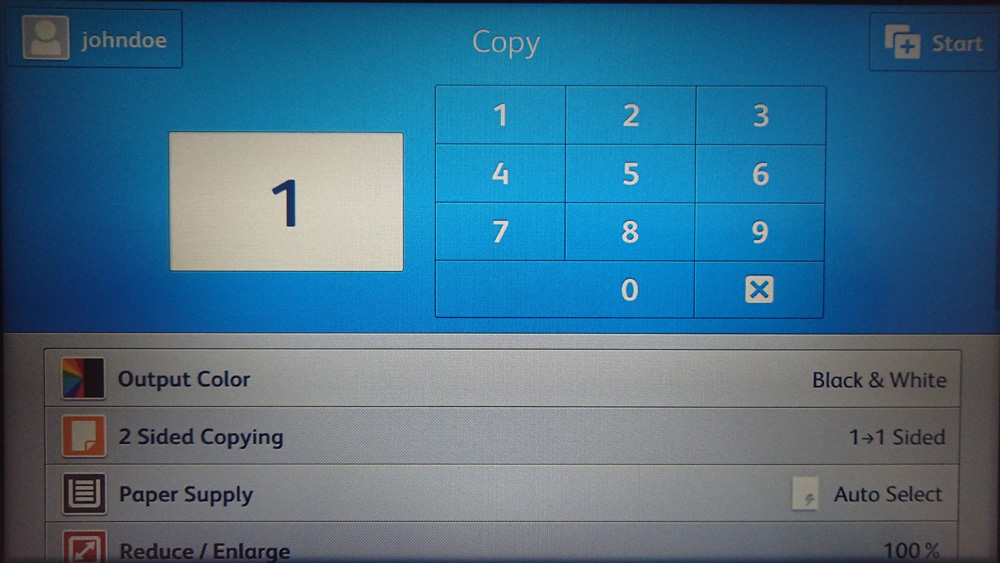
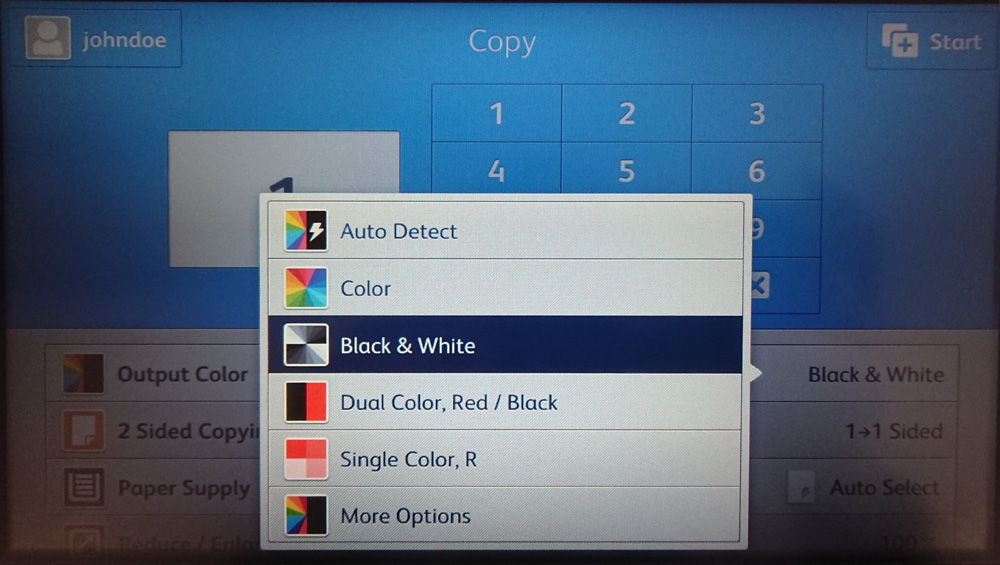
Select the number of copies by entering the number on the keypad and select the copy settings by tapping the available options. Then press Start (typically a green button) on the device panel to start copying.
ApeosPort-VI and older
ApeosPort-VII