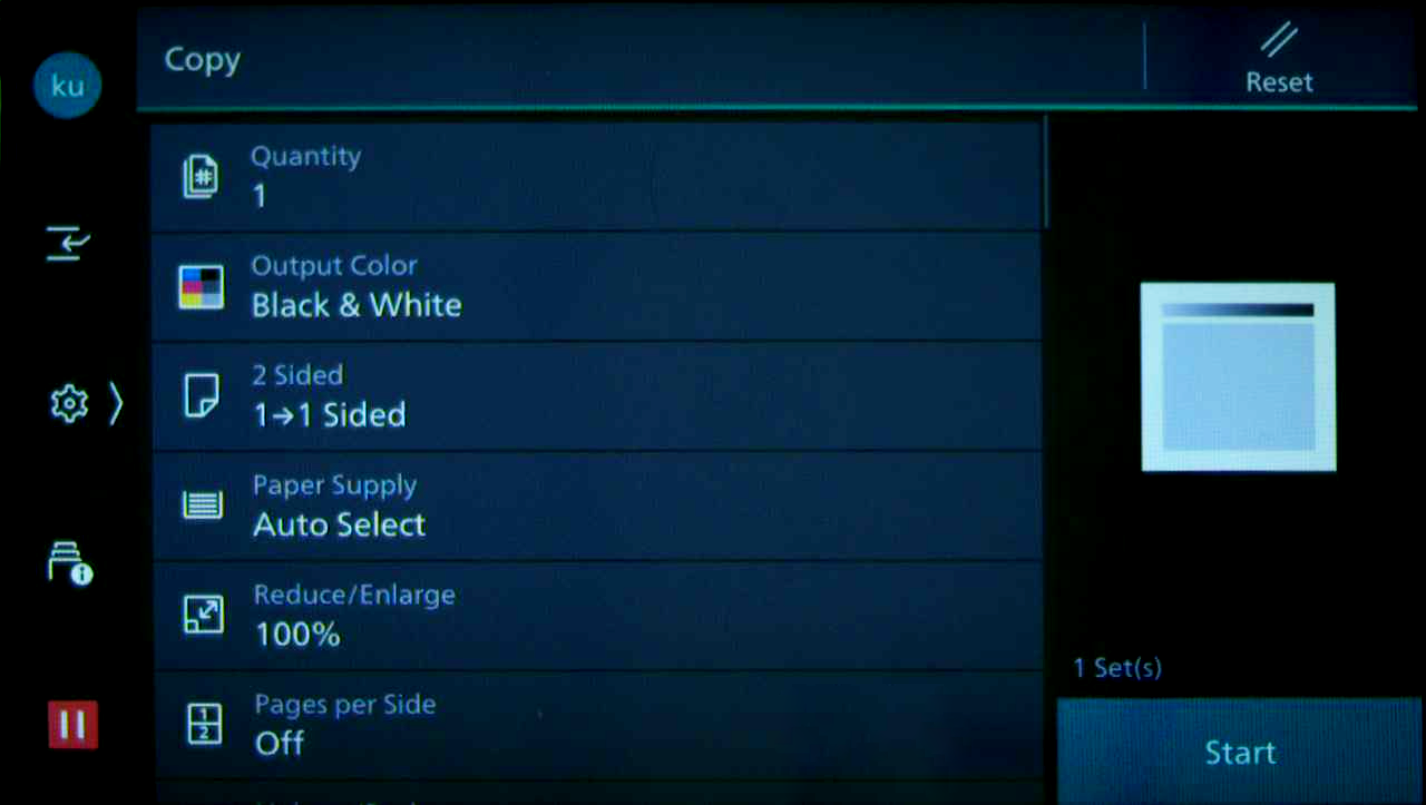
If your system allows you to make copies, follow these instructions.
If you have questions about whether or not you can make copies, contact your system administrator.
Copying at a FUJIFILM BI Device
-
Log into the YSoft SafeQ Embedded Terminal.
-
Optional:

-
On the Main Menu screen, tap Copy.
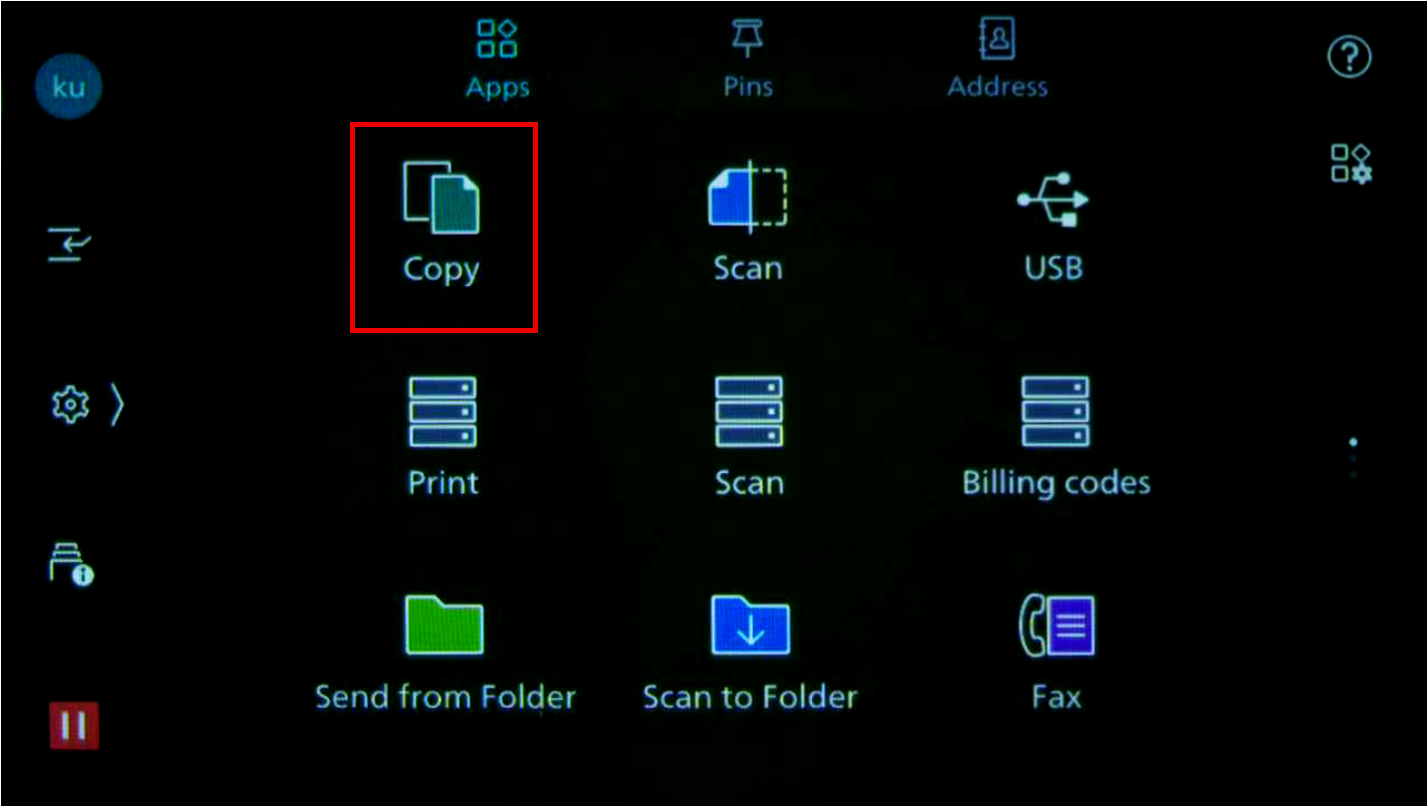
Your Main Menu screen may not look exactly like the one shown here.
-
Edit available options like Quantity, Output Color, and others according to your requirements. Then press Start (typically a green button) on the device panel to start copying.