-
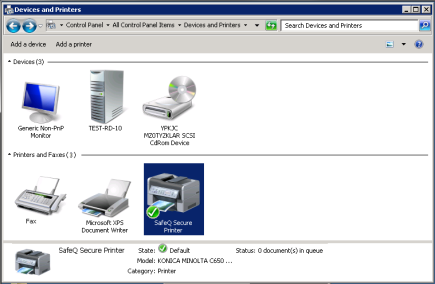
Right-click the Konica Minolta MFD driver; then select Printer properties > Configure.
-
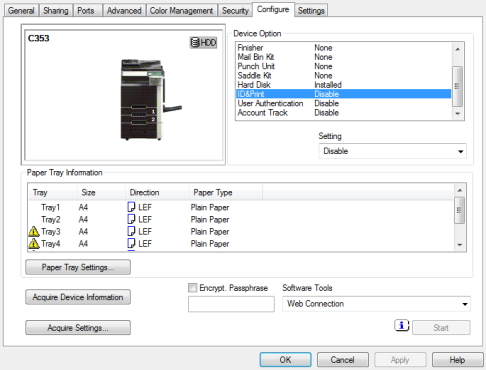
On the Configure tab, click Acquire Settings or Obtain settings.
Depends on your printers driver.
-
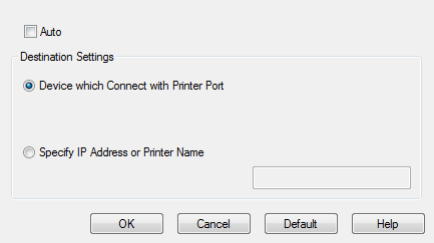
Uncheck Auto checkbox.
-
Click OK.
-
Back on the Configure tab, set ID&Print, User Authentication and Account Track to disable.
-
Click OK.
