
Compatible blocking cables
-
YSQC0-022-0000 Cable Toshiba Harness
-
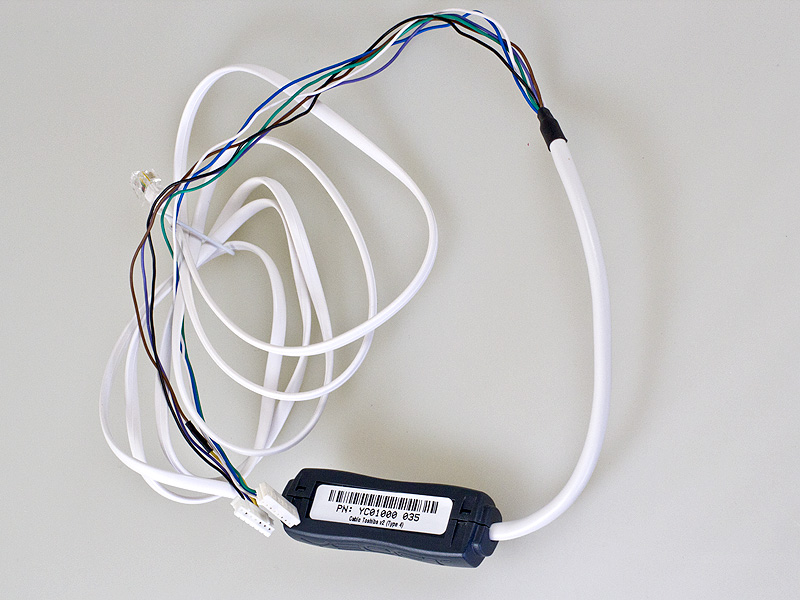
YSQC0-035-0000 Cable Toshiba v2 (Type 4)
-
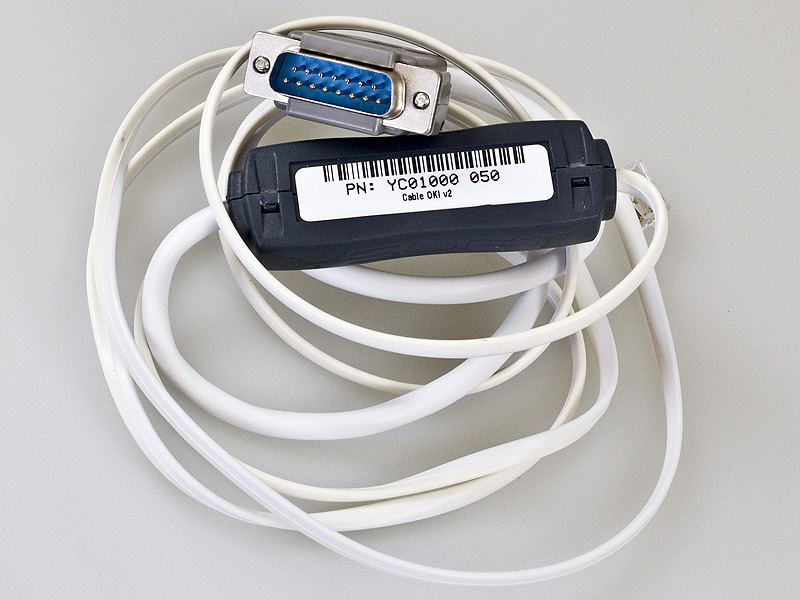
YSQC0-050-0000 Cable OKI v2
Setting via device service menu
After entering device service menu, following steps have to be performed:
-
open registry 9016(type) and set up option 0 or 1 (0 disabled, 1 - insert coin message)
Quit registry settings
|
Compatible devices |
|---|
|
OKI ES9460 OKI MC760 |
Setting via device Web Interface
After you Login to the device Web interface using Administrator login perform following:
-
Click Admin setup
-
Click Management
-
Click System setup
-
Select Accounting Device from Access Control drop down menu
-
Click Submit
HW setup for testing:
-
I/O Module settings
-
I/O Module
-
N/A – Generic iomodules
-
Autodetect smartcable
|
Compatible devices |
|---|
|
OKI ES4191 |
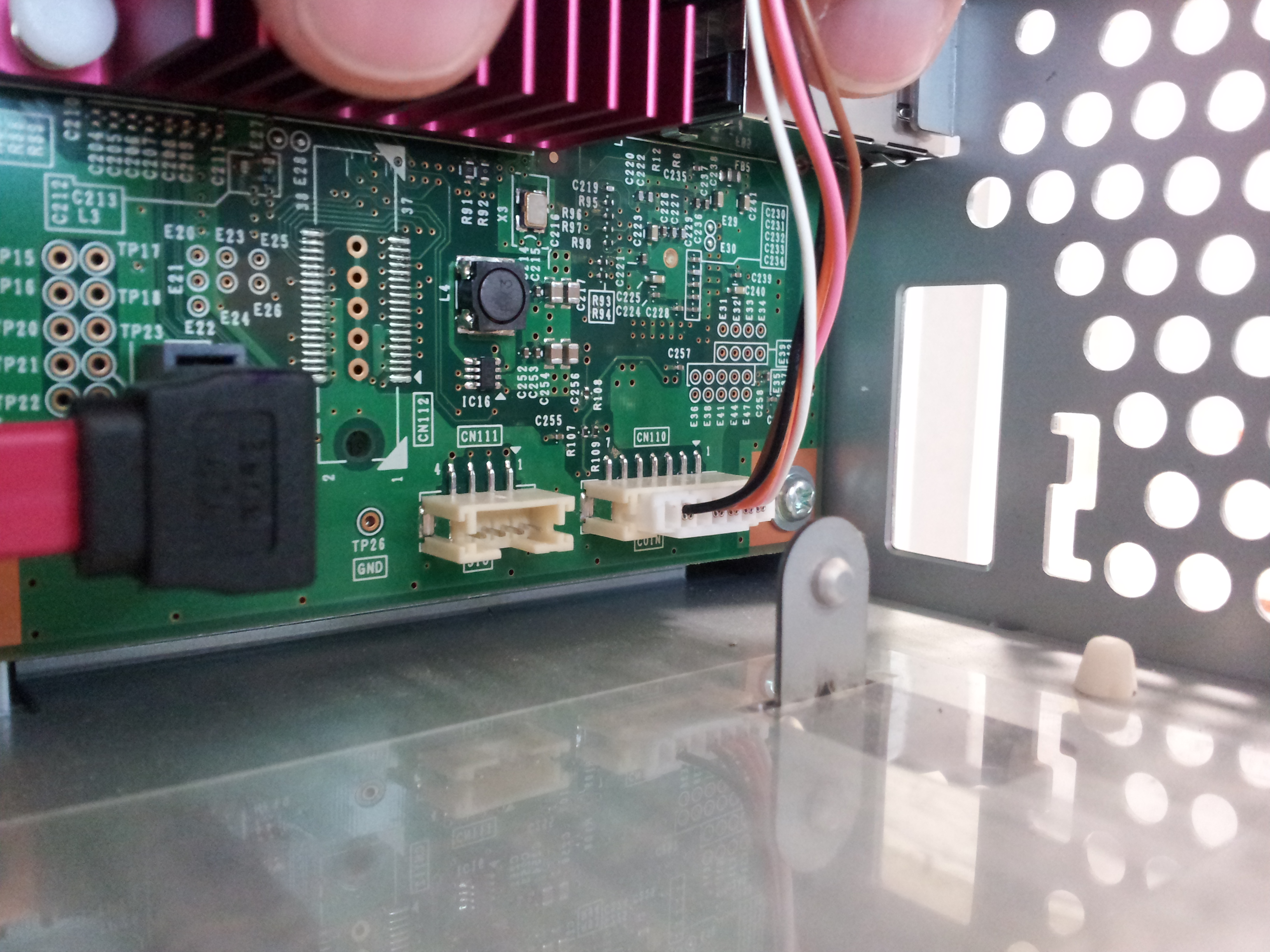
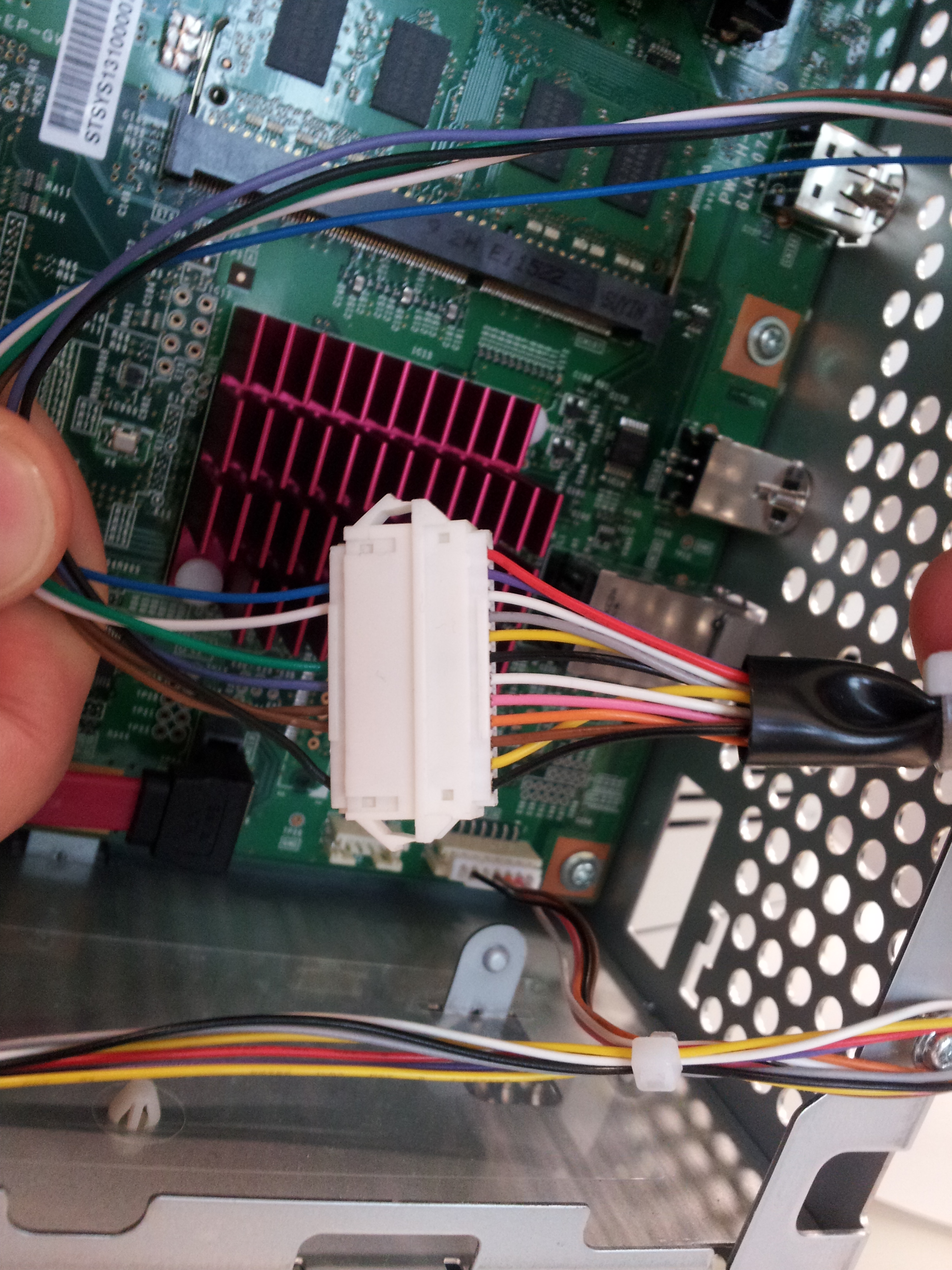
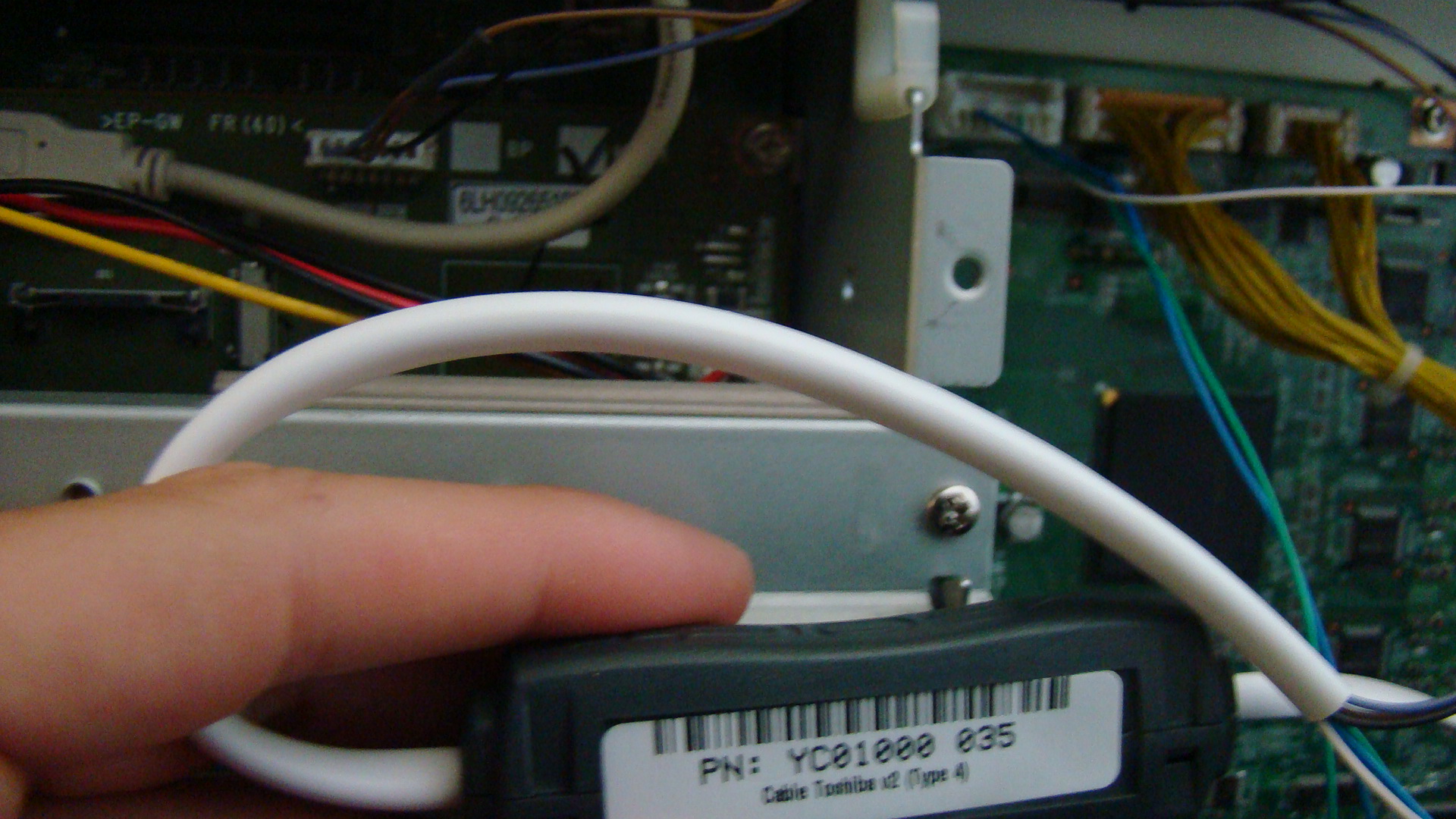
Examples of blocking cable connection:
OKI ES9460
YSQC0-035-0000 Cable Toshiba v2 (Type 4)
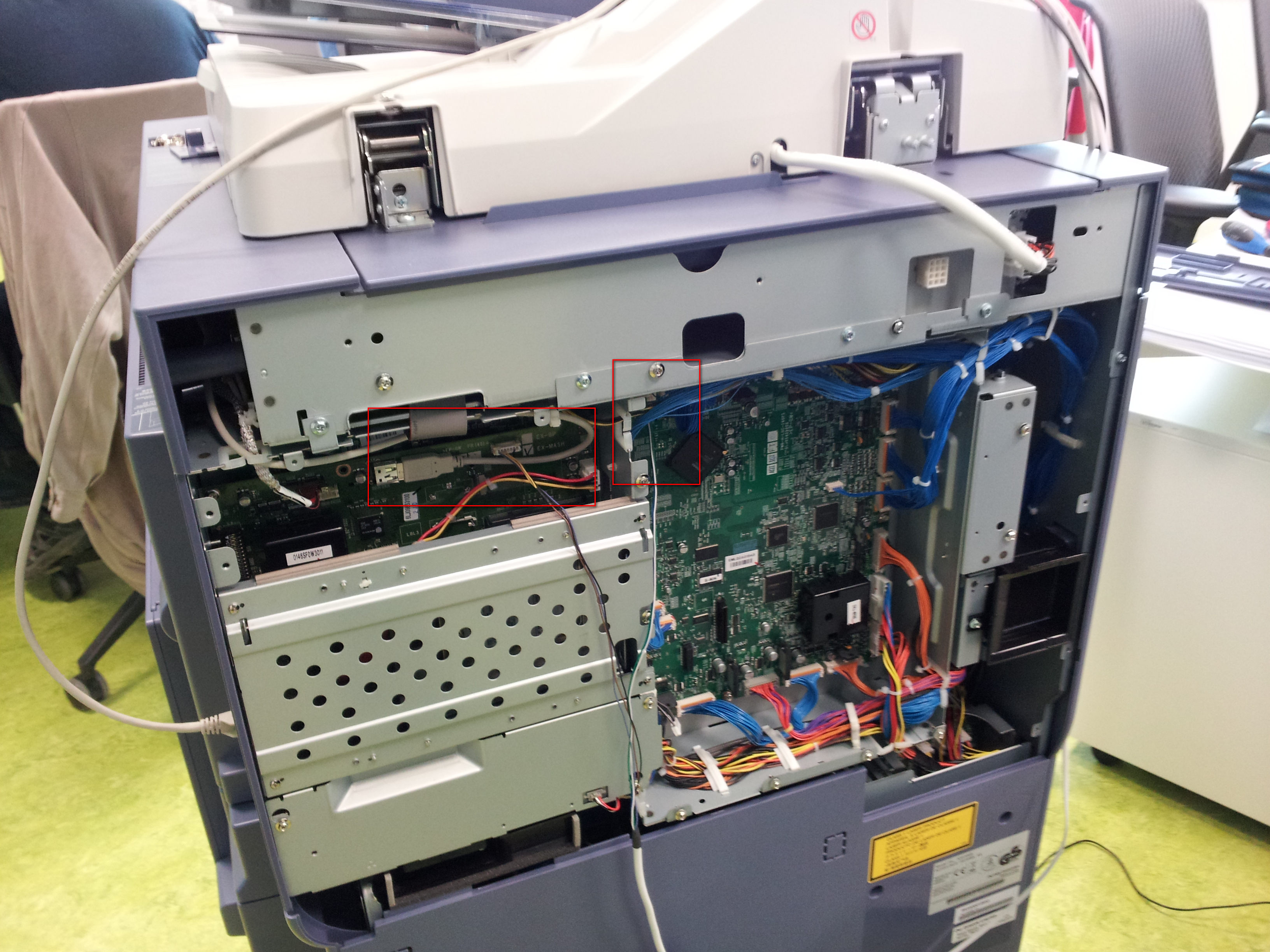
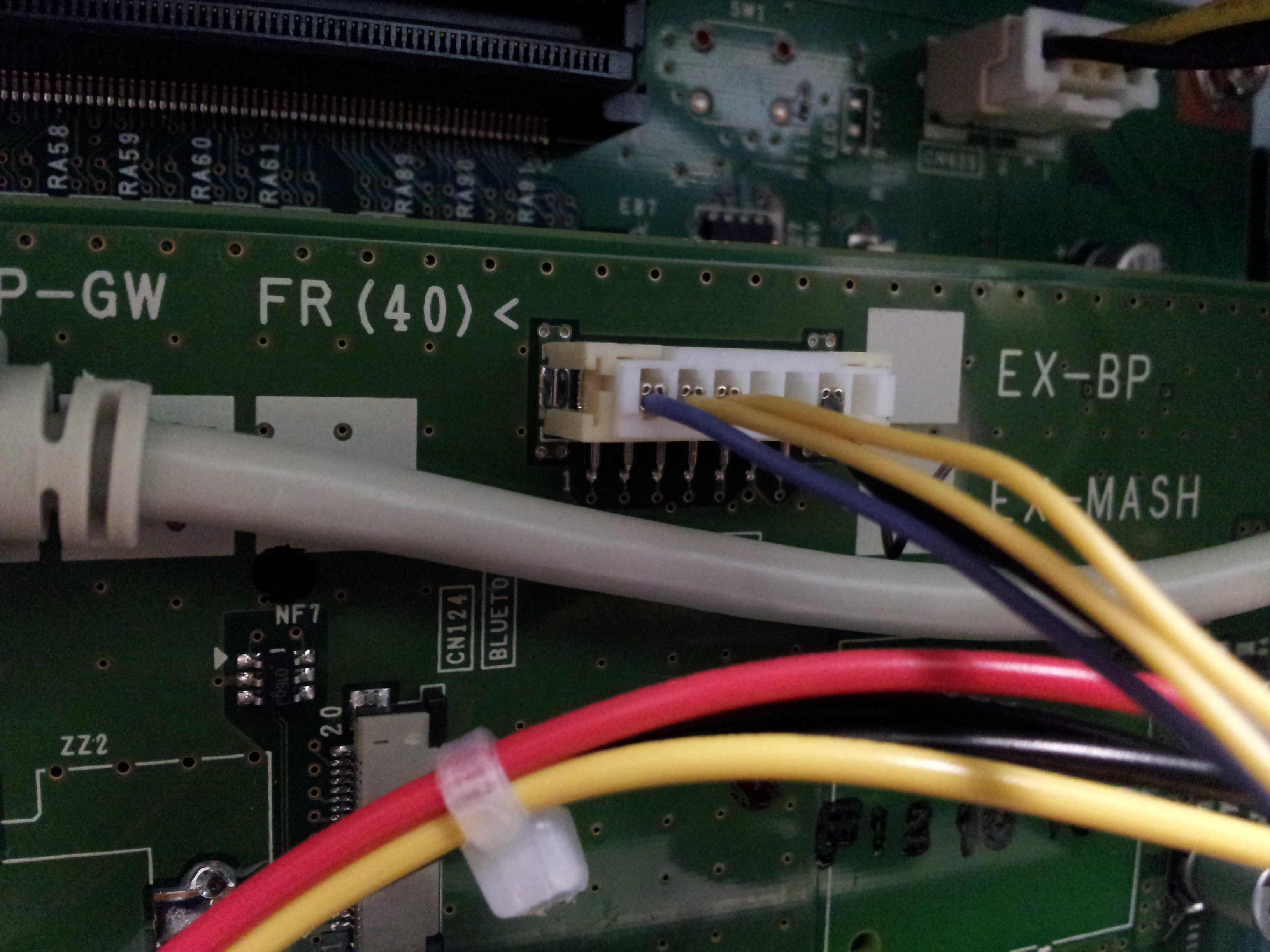
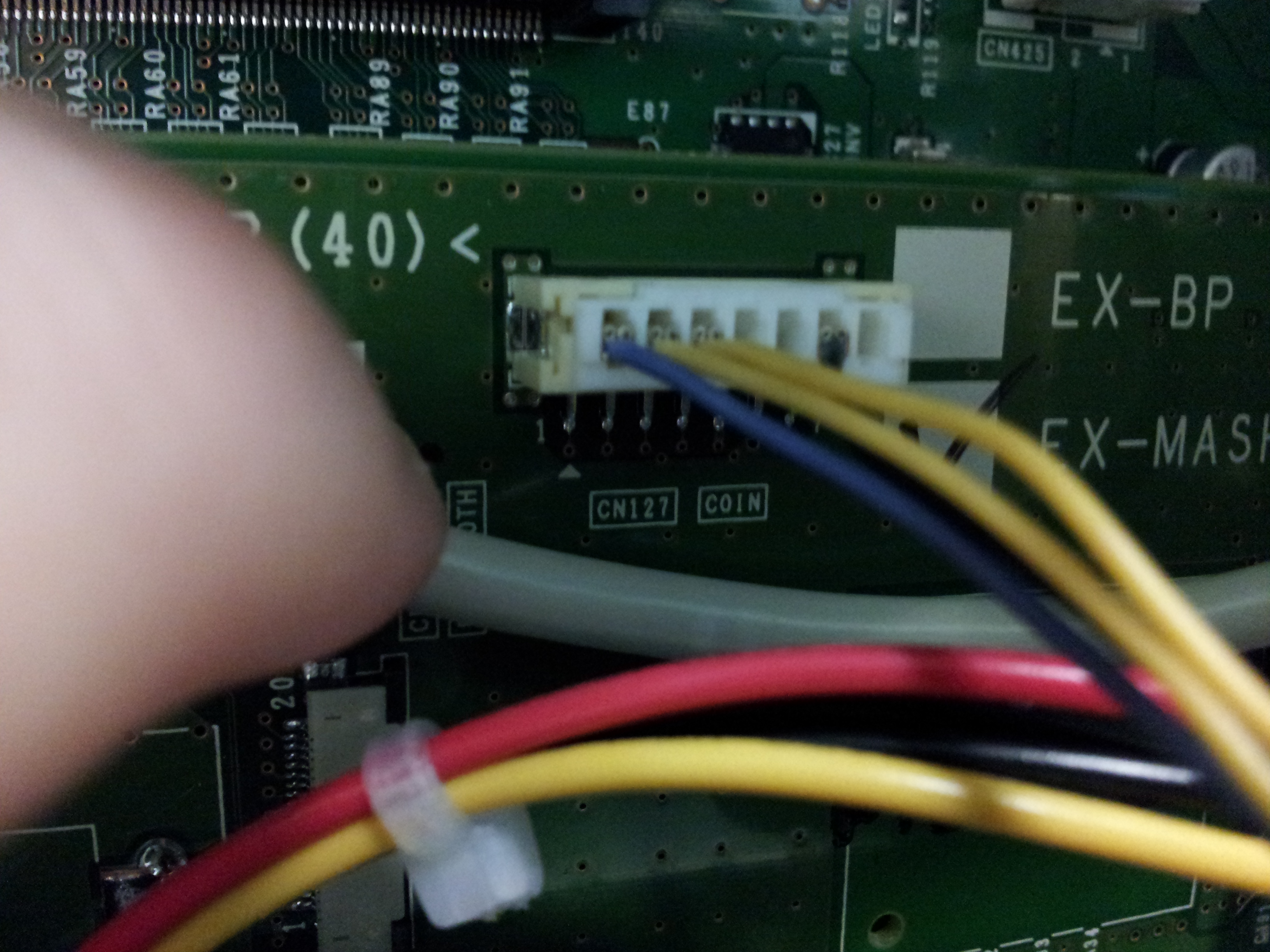
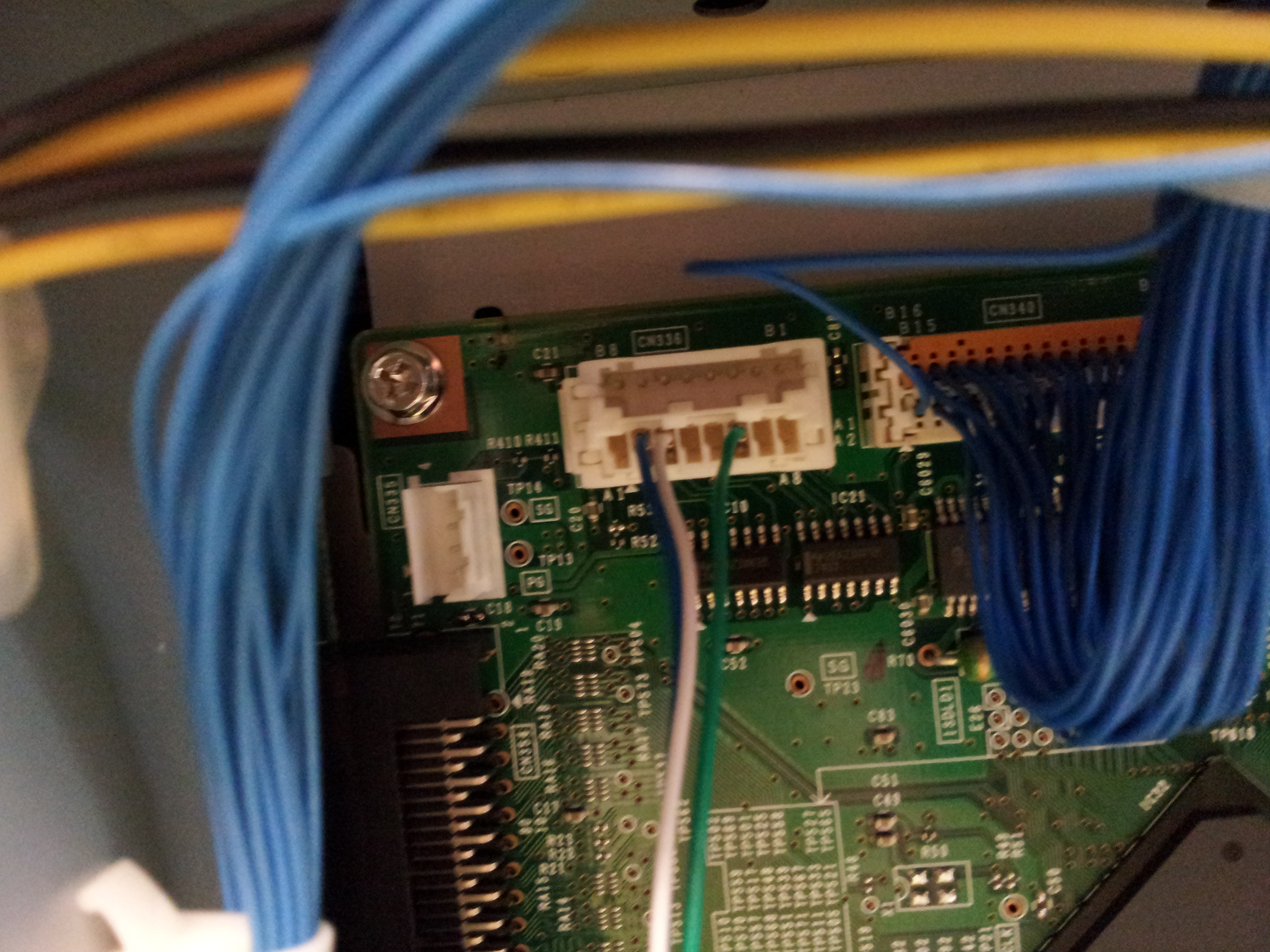
OKI ES4191
YSQC0-050-0000 Cable OKI v2
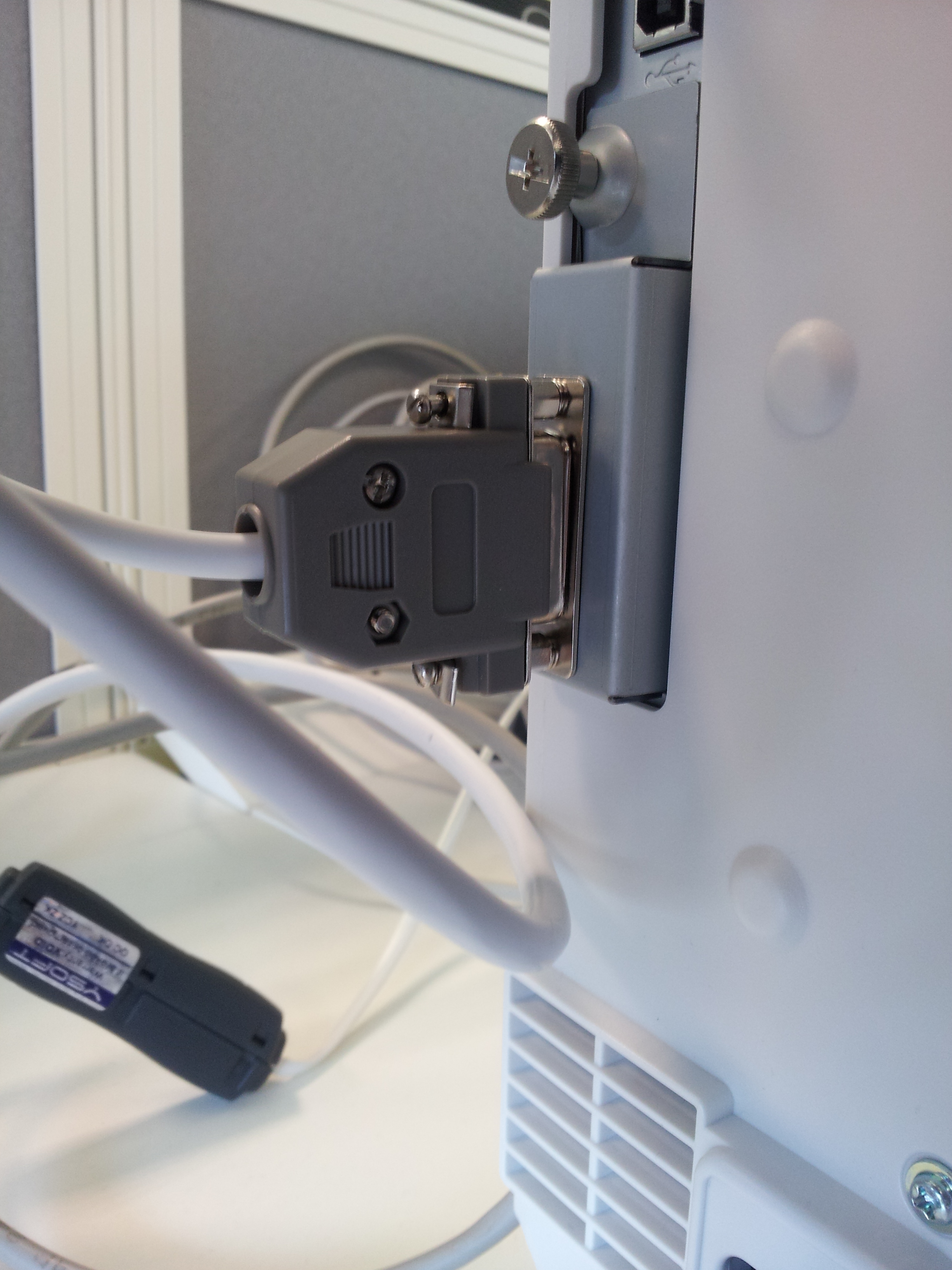
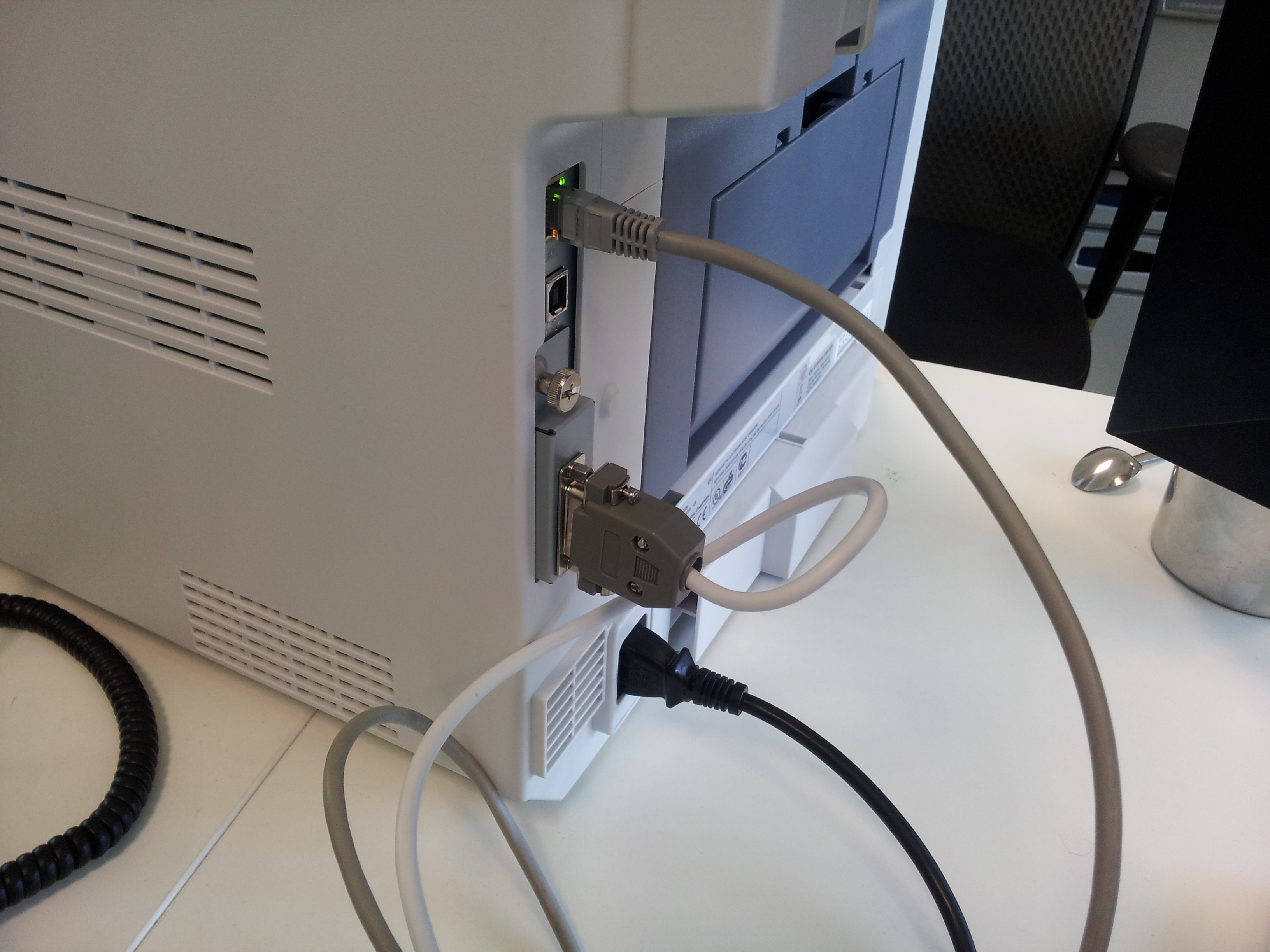
OKI MC760
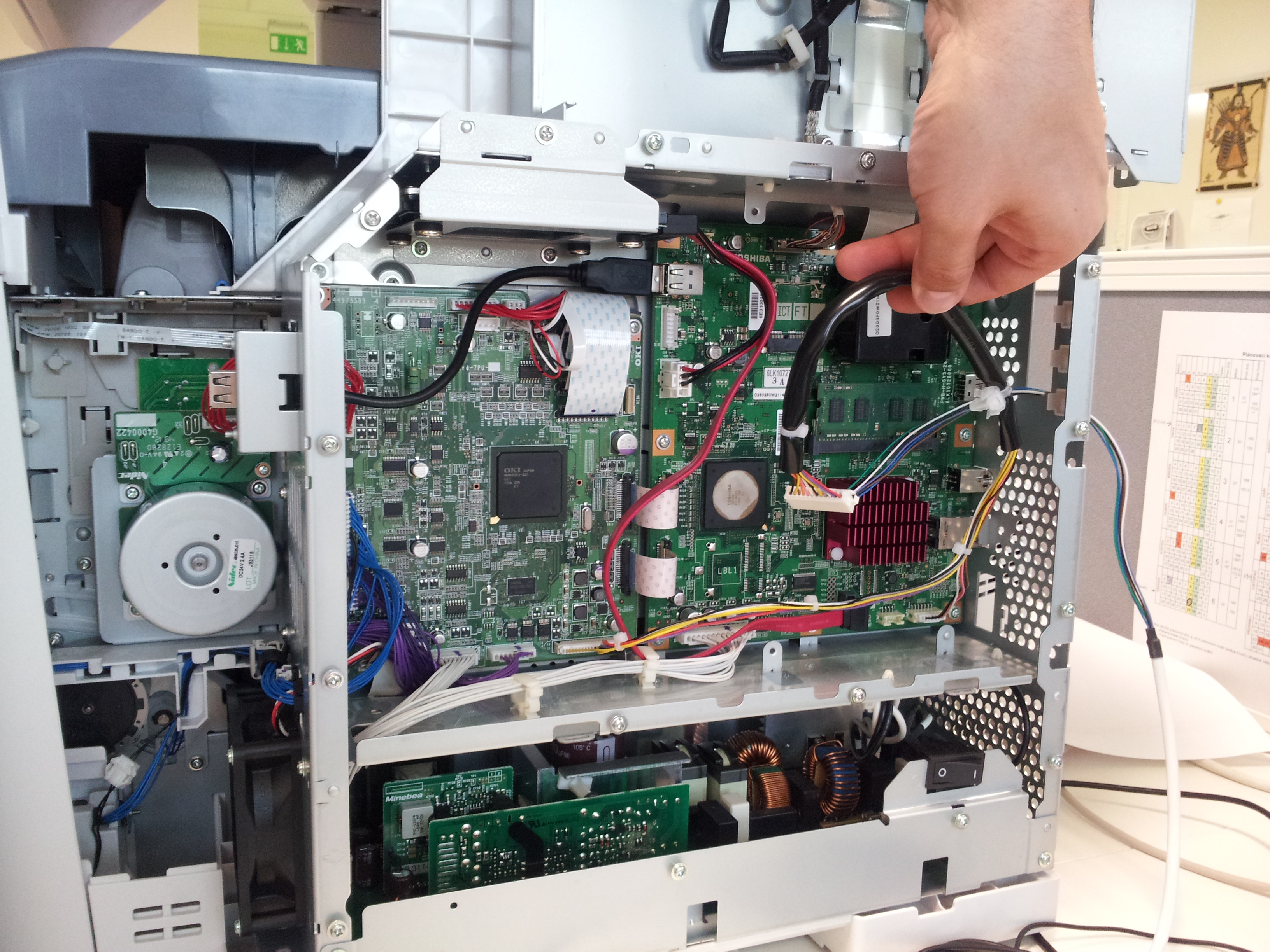
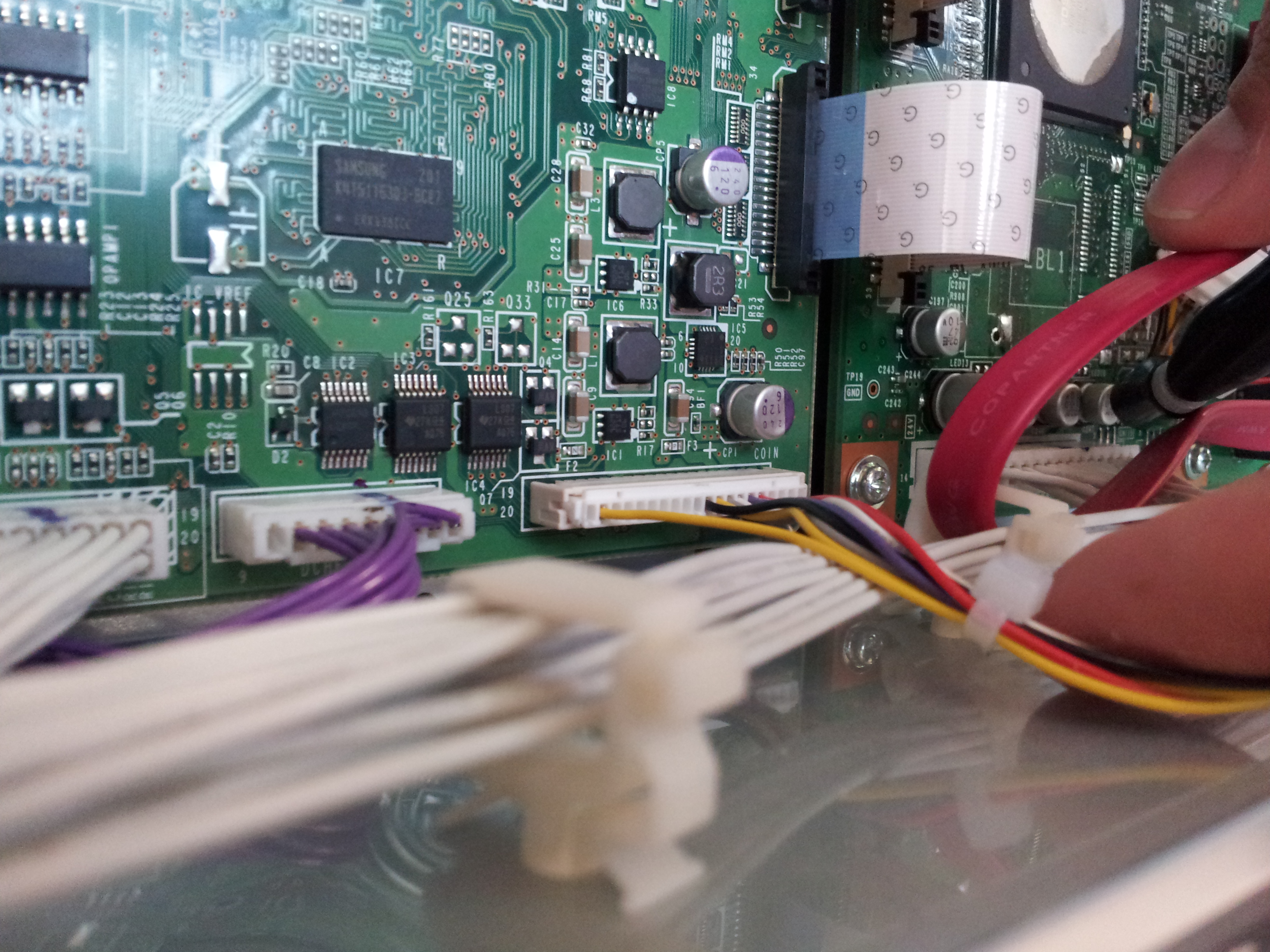
Smart Blocking Cables for Hardware Terminals
Required for copy control
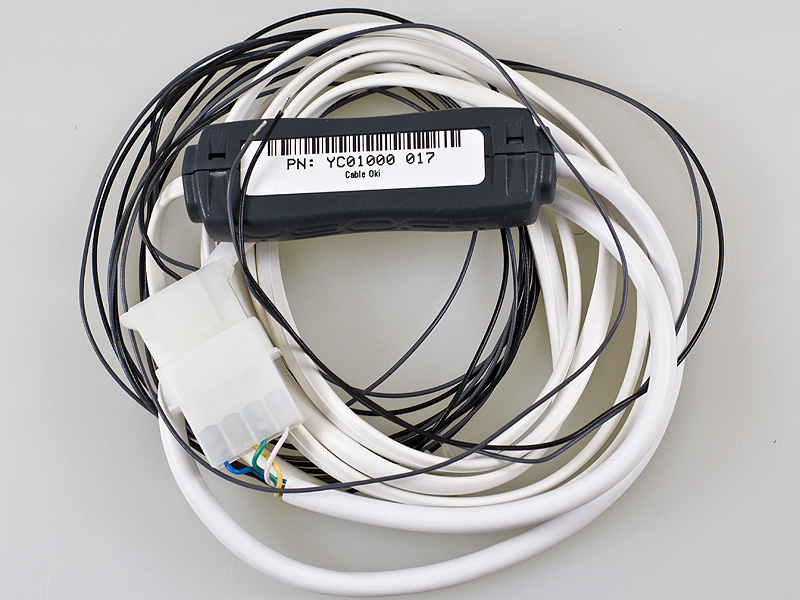
YSQC0-017-0000
Smart Cable Oki SSR - (TP)
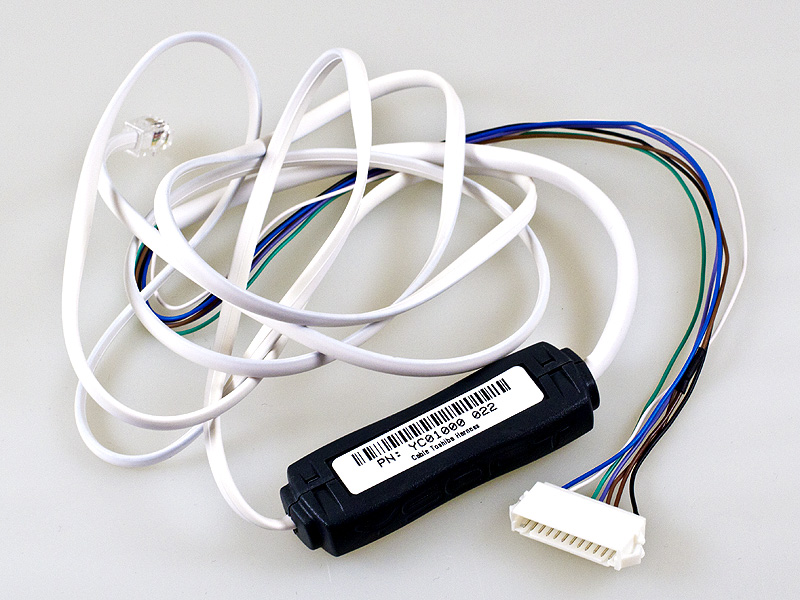
YSQC0-022-0000
Cable Toshiba Harness
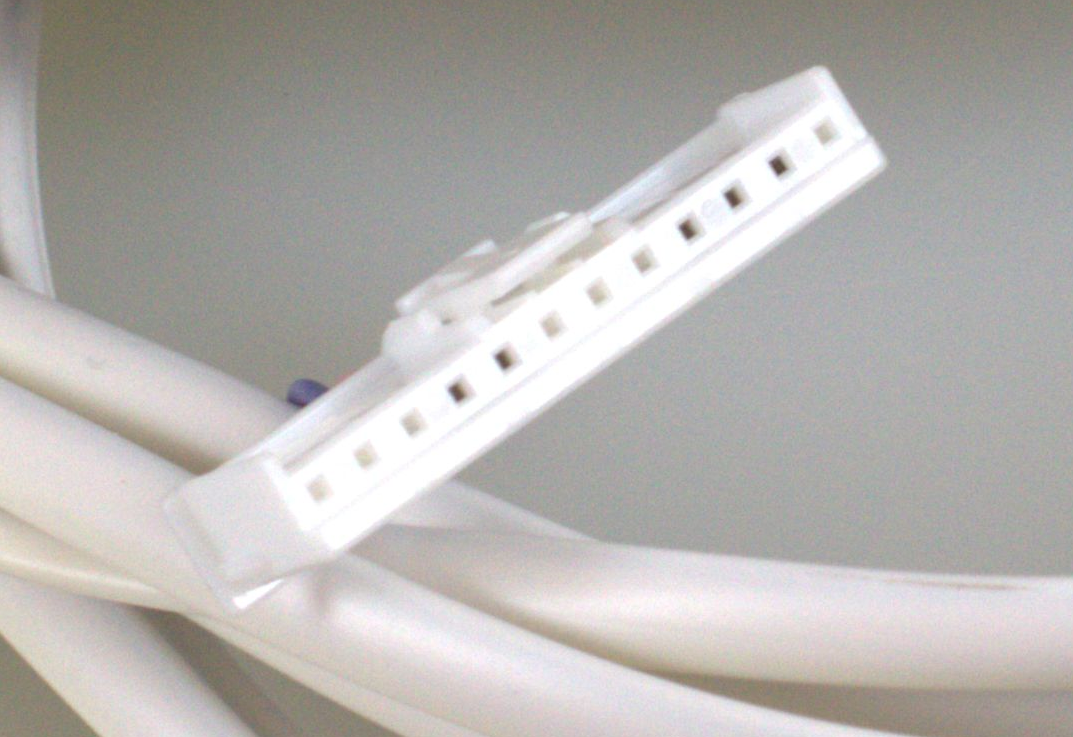
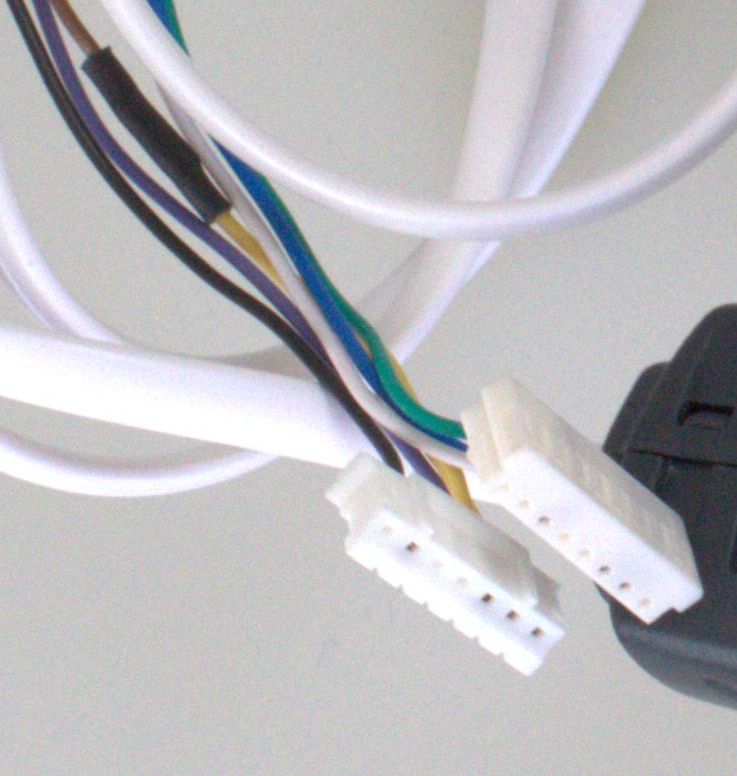
YSQC0-035-0000
Cable Toshiba v2 (Type 4)
YSQC0-050-0000
Cable OKI v2
Blocking cable is not yet massively produced. For more information contact your account manager.
YSQC0-056-0000
Cable Toshiba v2 (Type8)
20-Pin & 7-Pin Connector