
Compatible blocking cables
-
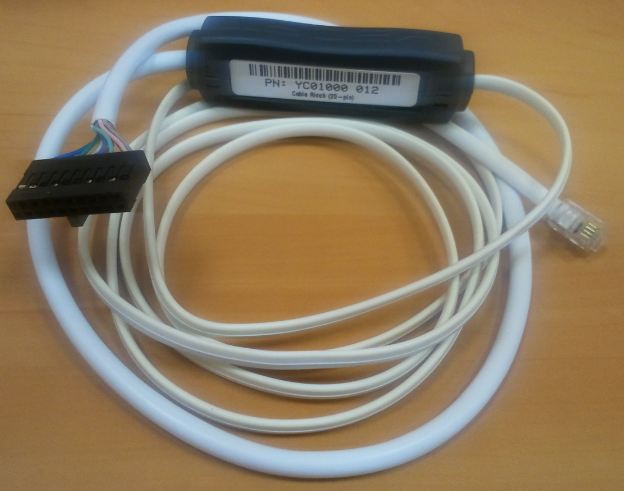
YSQC0-012-0000 Cable Ricoh (20-pin)
-
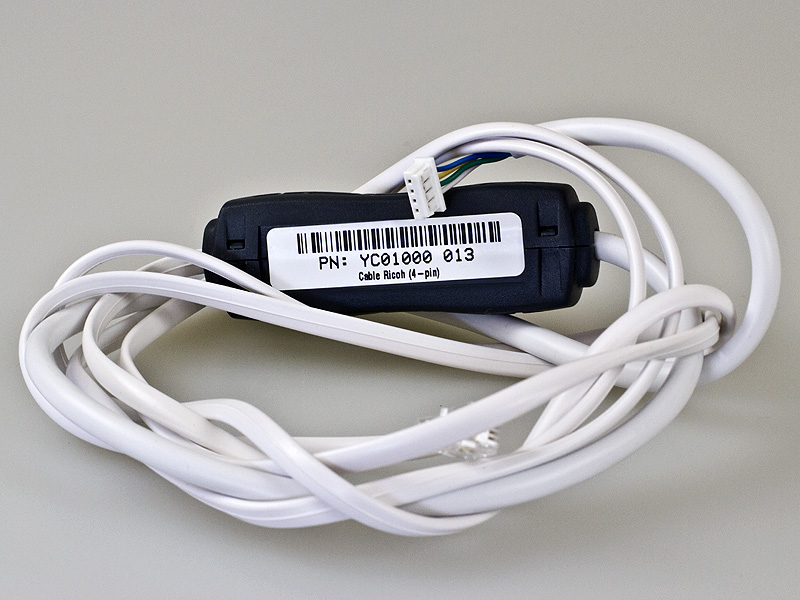
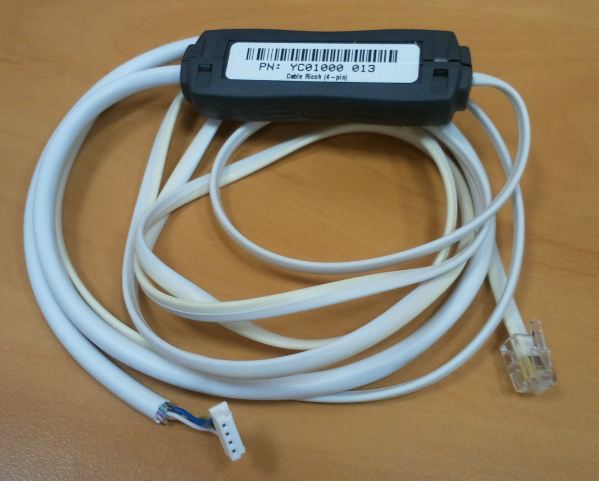
YSQC0-013-0000 Cable Ricoh (4-pin)
-
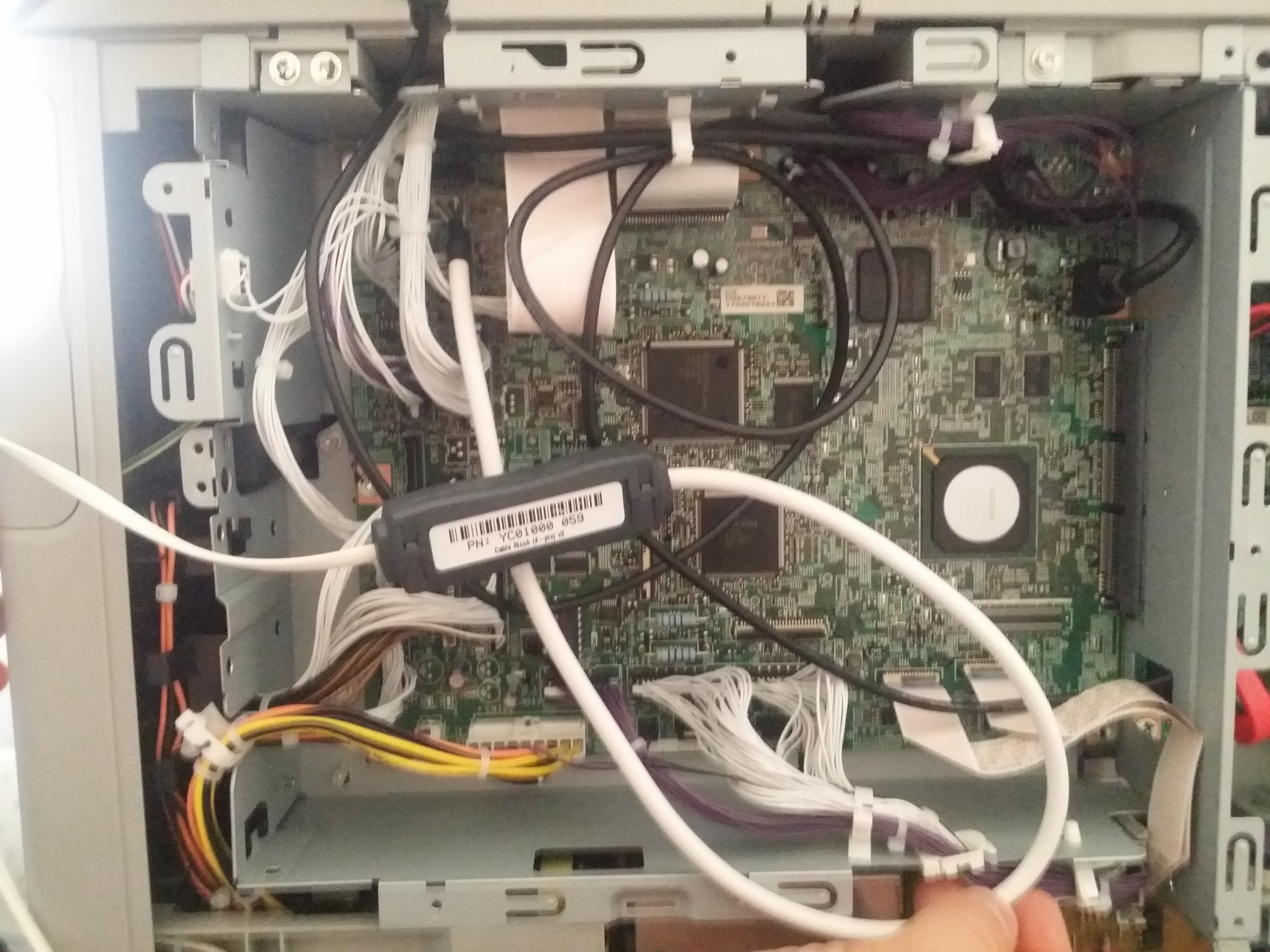
YSQC0-059-0000 Cable Ricoh (4-pin) v2
Setting via device service menu
After entering device service menu, following steps have to be performed:
-
Navigate to system settings > operator tools > key counter administration
-
Here choose what features have to be blocked (usually copy, scan)
In case that the standard procedure does not work - a device cannot be unlocked by the cable, you can try another way (for example MP 4002, MP 5002, MP C3002, MP C3502, MP C4502, MP C5502):
-
Activate support for enhanced external charge unit management (SP mode 5-113-002 to 1)
-
Navigate to System Settings > Administrator Tools > Enhanced External Charge Unit Management
-
Here choose what features have to be blocked (usually copy, scan)
-
Also make sure the Key Counter Management in administrator tab has all functions turned OFF.
Procedure for MP C2003, MP C3003, MP C3503, MP C4503, MP C5503 and MP C6003 devices:
-
In case YSQC0-013-0000 Cable Ricoh (4-pin)/YSQC0-059-0000 Cable Ricoh (4-pin) v2 is used set SP 5113-1 to value 0 and SP 5113-2 to value 0.
-
Navigate to system settings > administrator tools > key counter management
-
Here choose what features have to be blocked (usually copy, scan)
-
In case YSQC0-012-0000 Cable Ricoh (20-pin) is used set SP 5113-1 to value 1 and SP 5113-2 to value 0.
-
Navigate to system settings > administrator tools > external charge unit management
-
Here choose what features have to be blocked (usually copy, scan)
Examples of blocking cable connection:
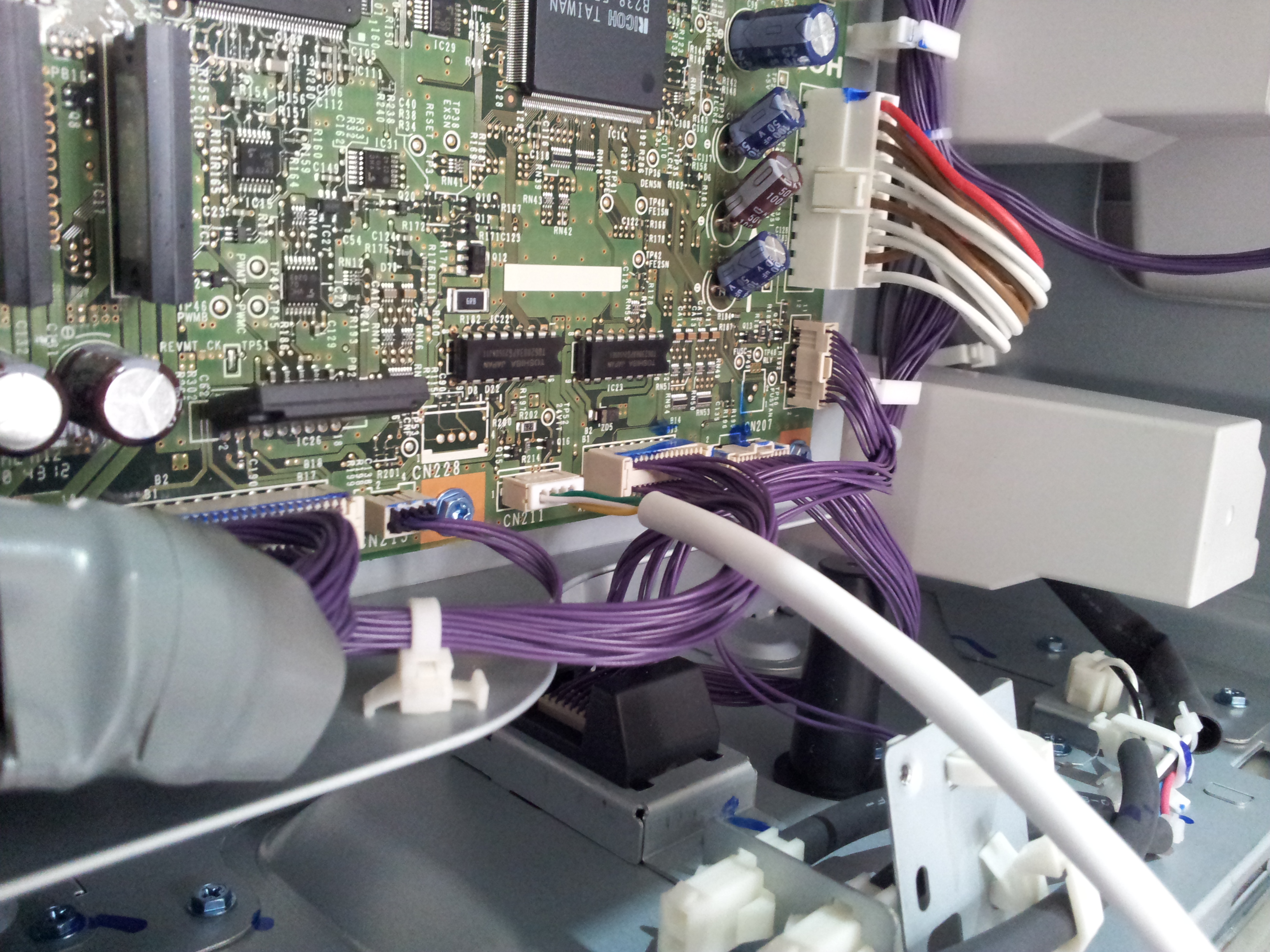
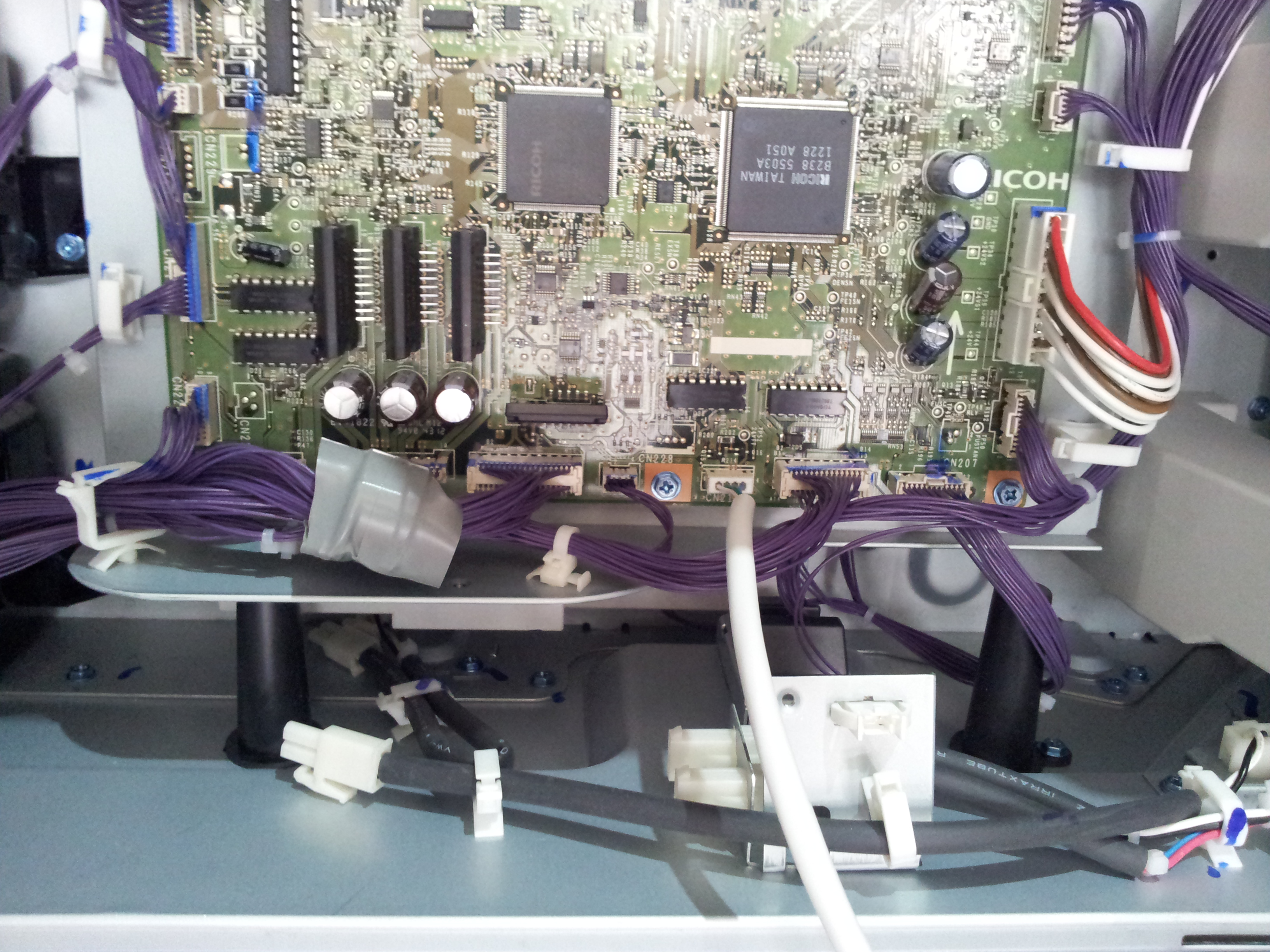
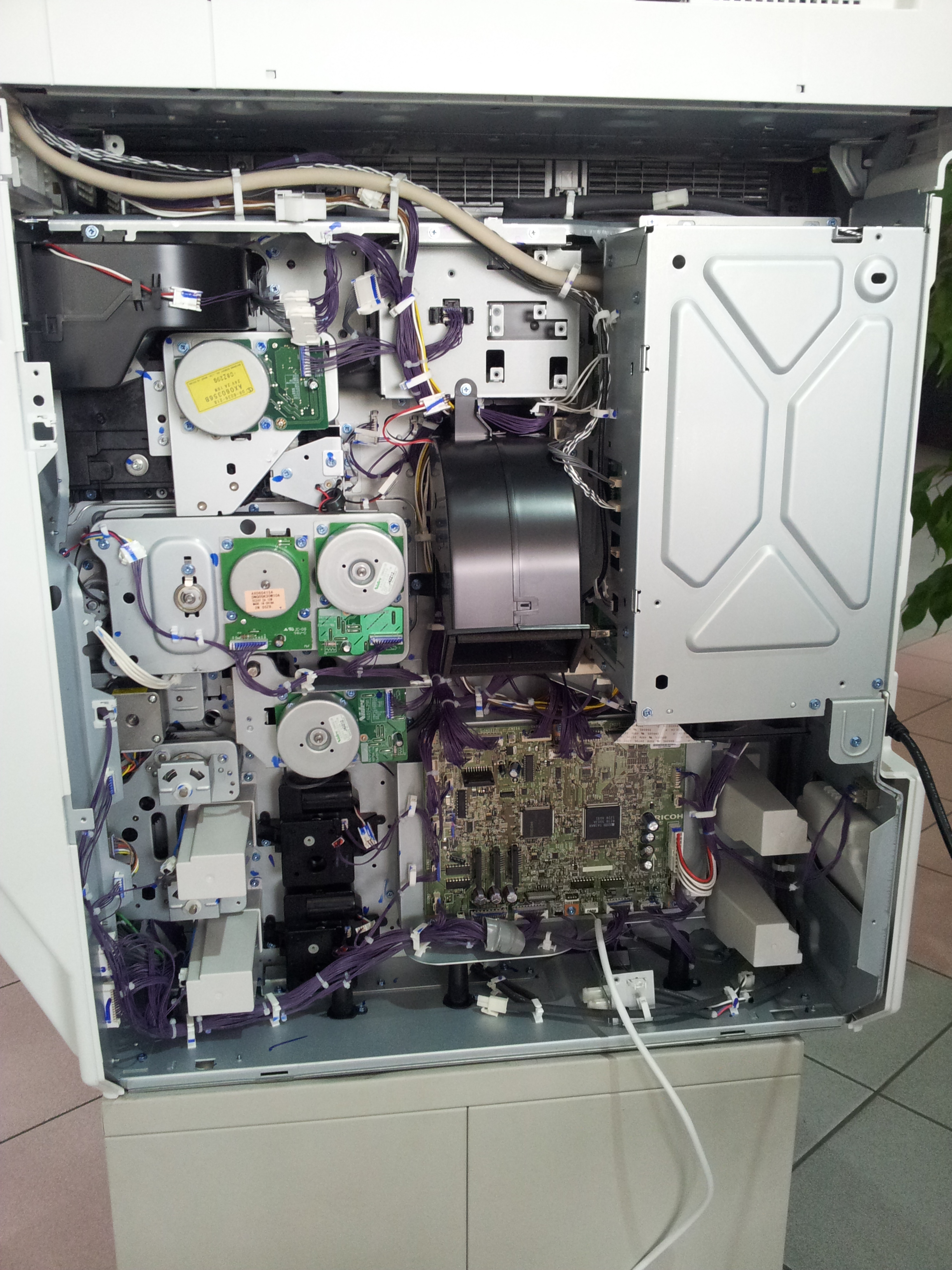
Ricoh MP 4002
YSQC0-013-0000 Cable Ricoh (4-pin)
Ricoh MP 2501sp
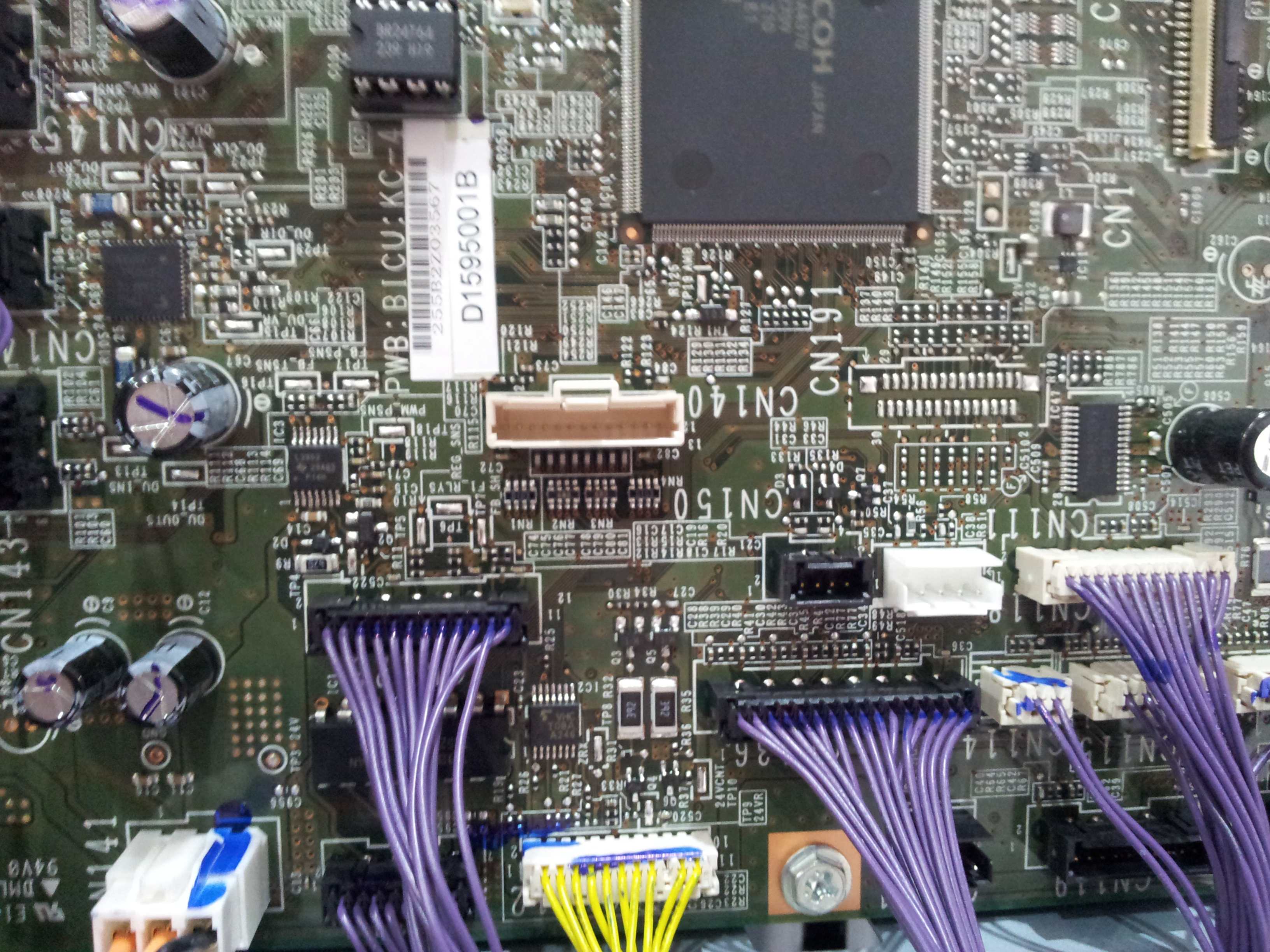
YSQC0-012-0000 Cable Ricoh (20-pin)
Type A reduction for 20pin connector needed.
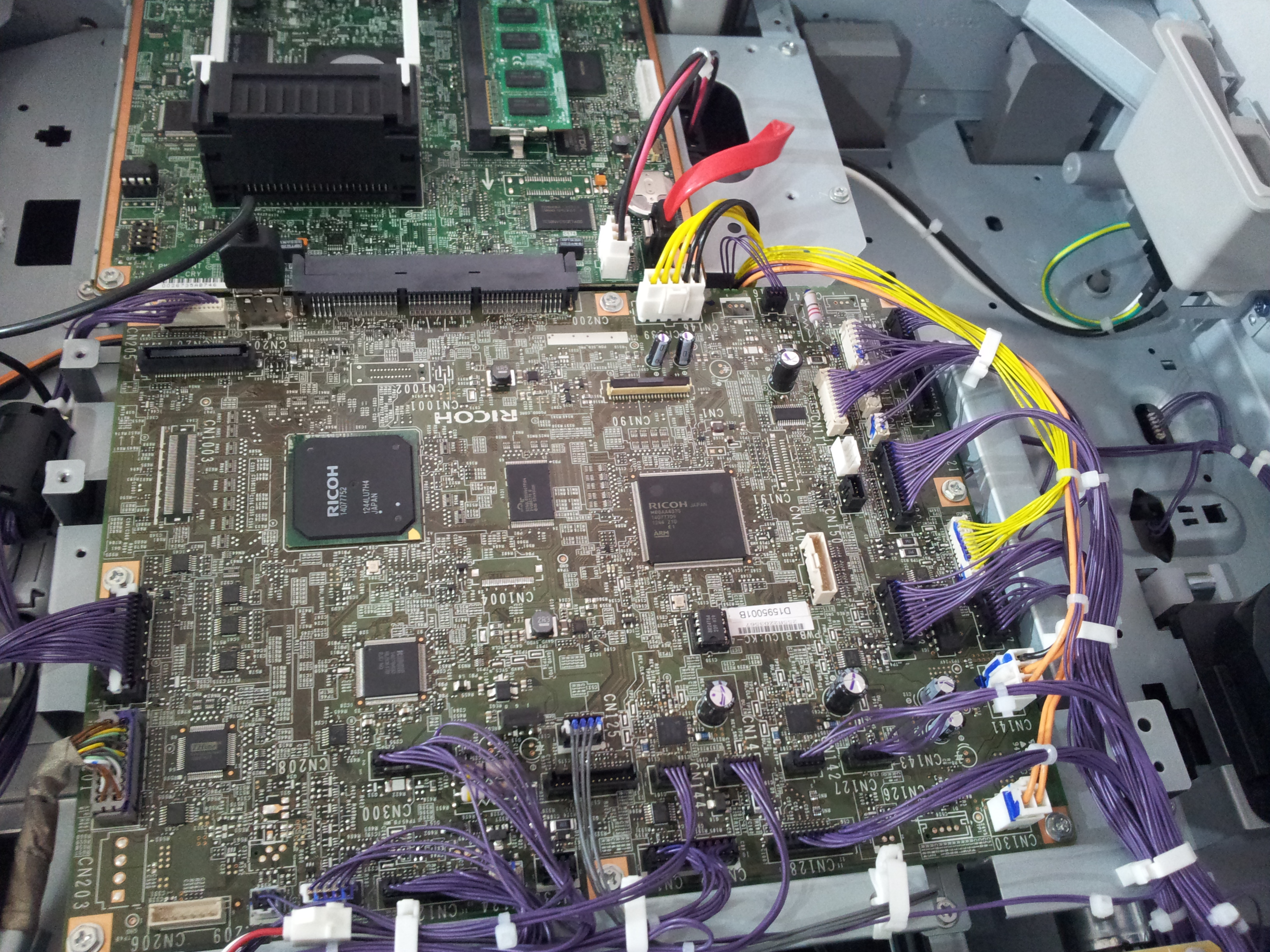
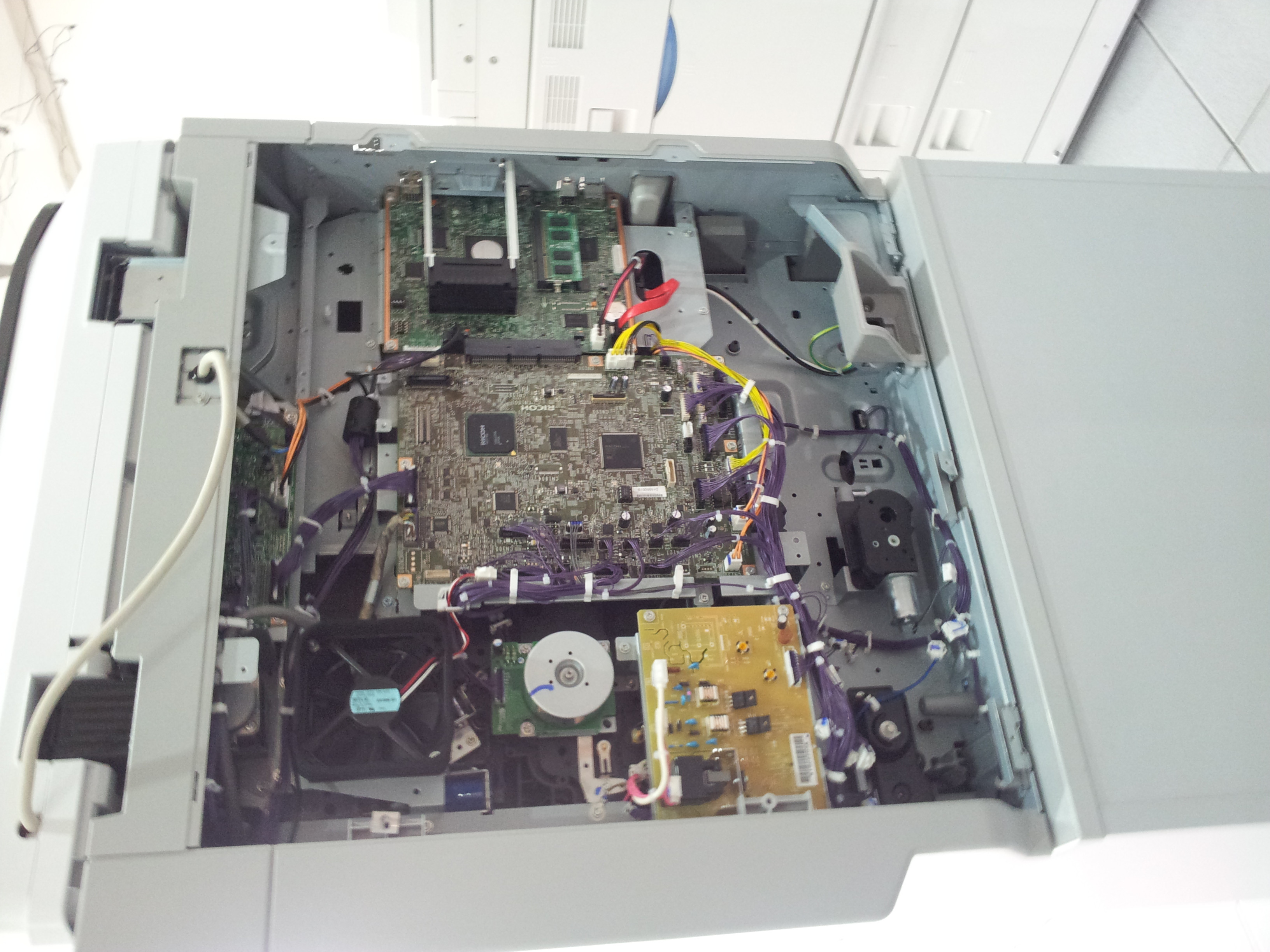
Ricoh Aficio MP C2050
YSQC0-013-0000 Cable Ricoh (4-pin)
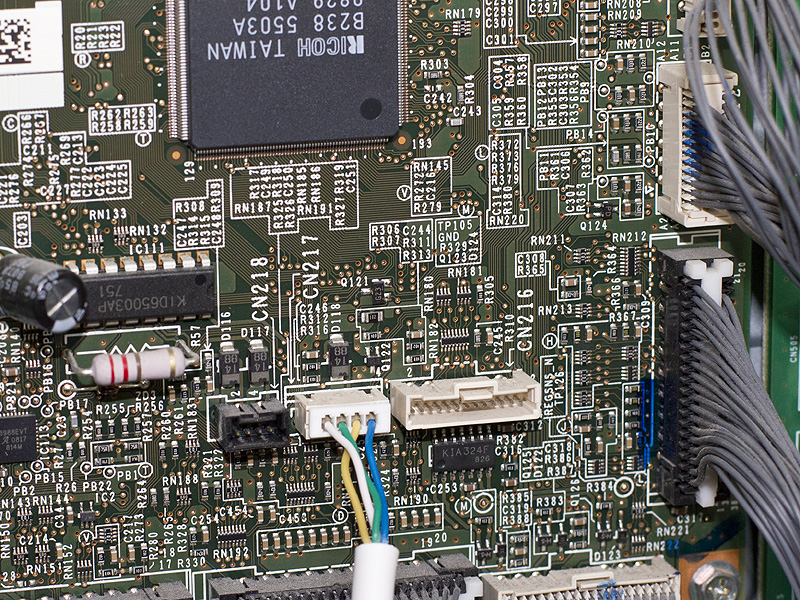
Ricoh Aficio MP C2500
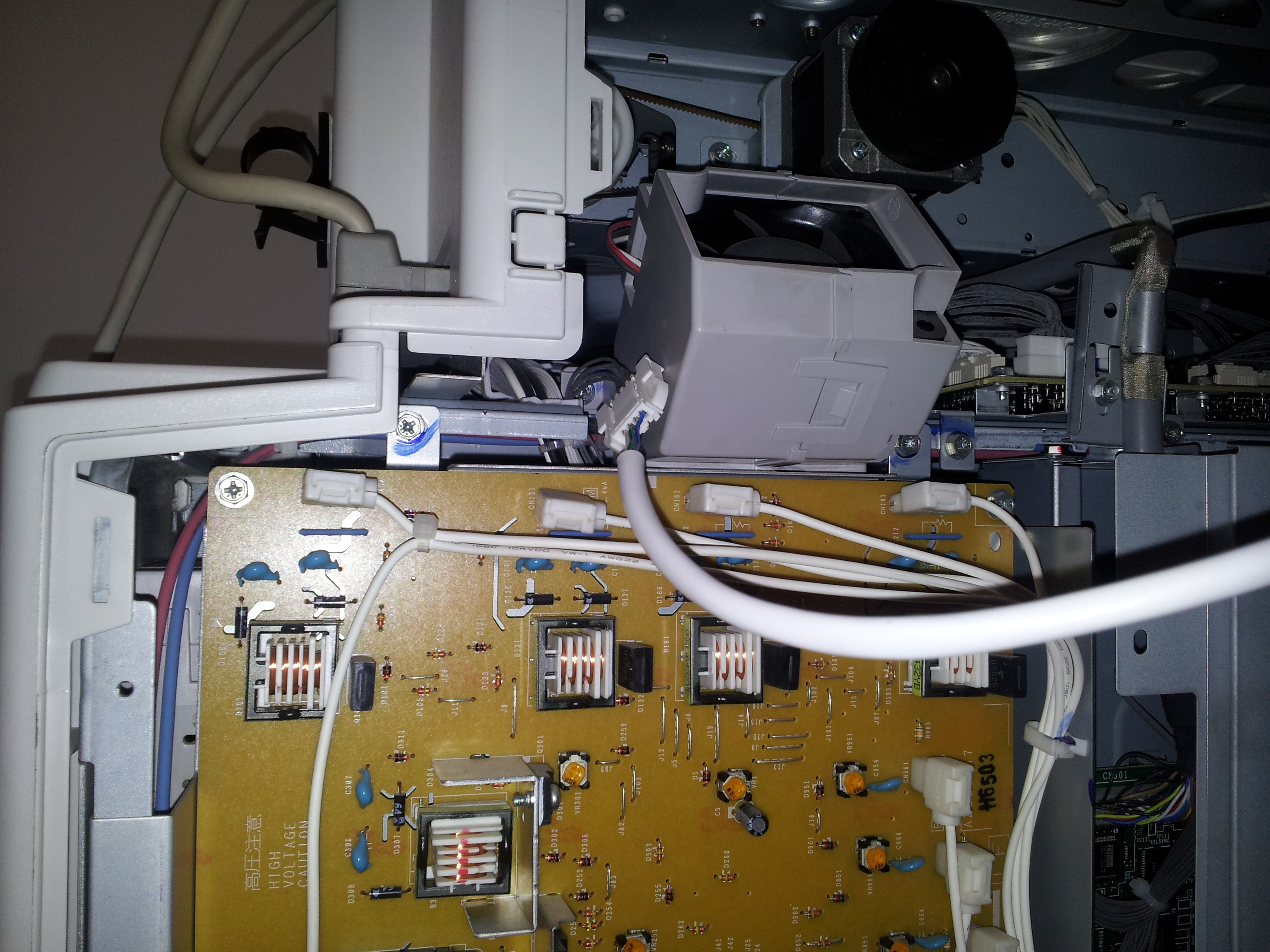
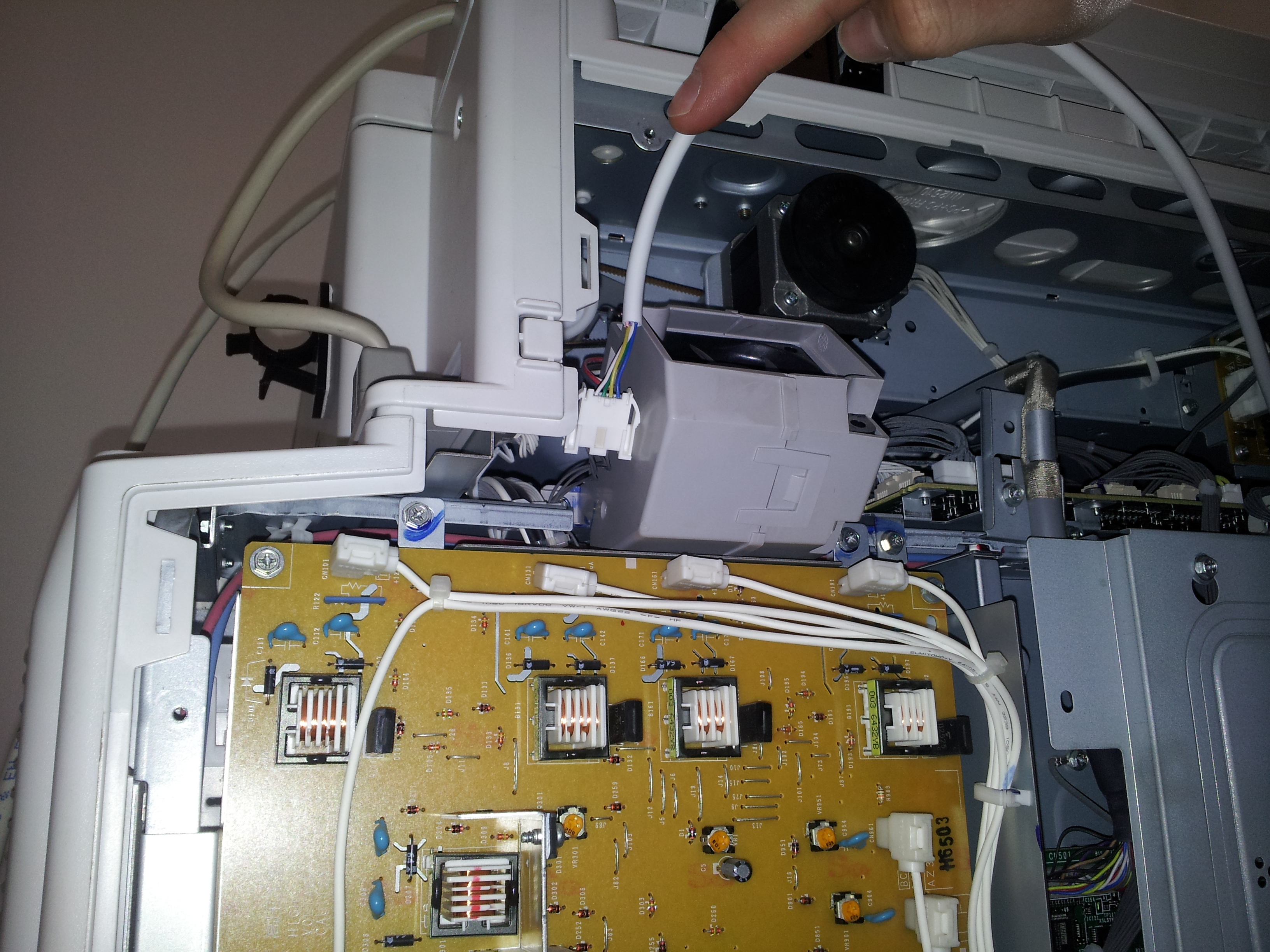
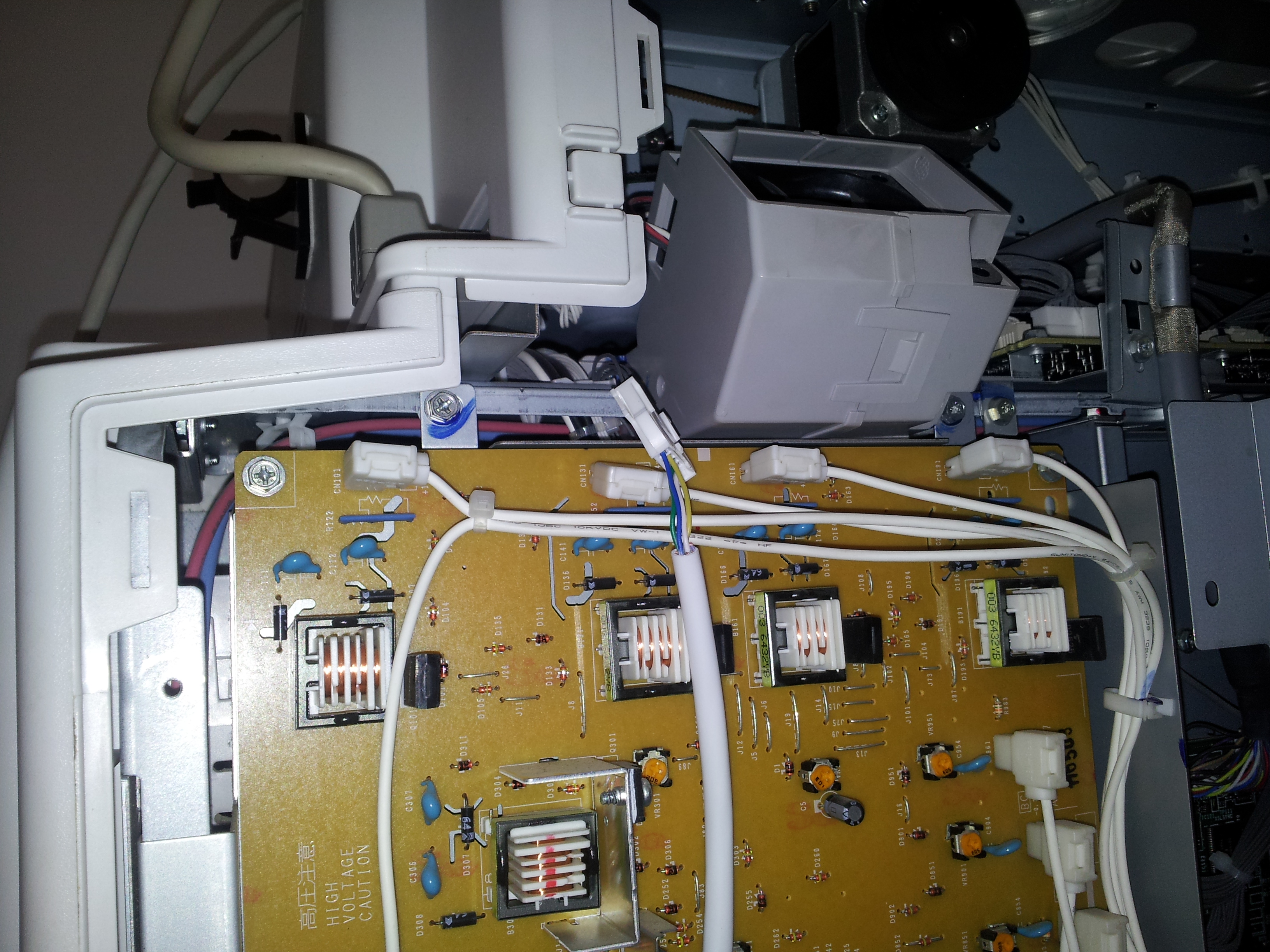
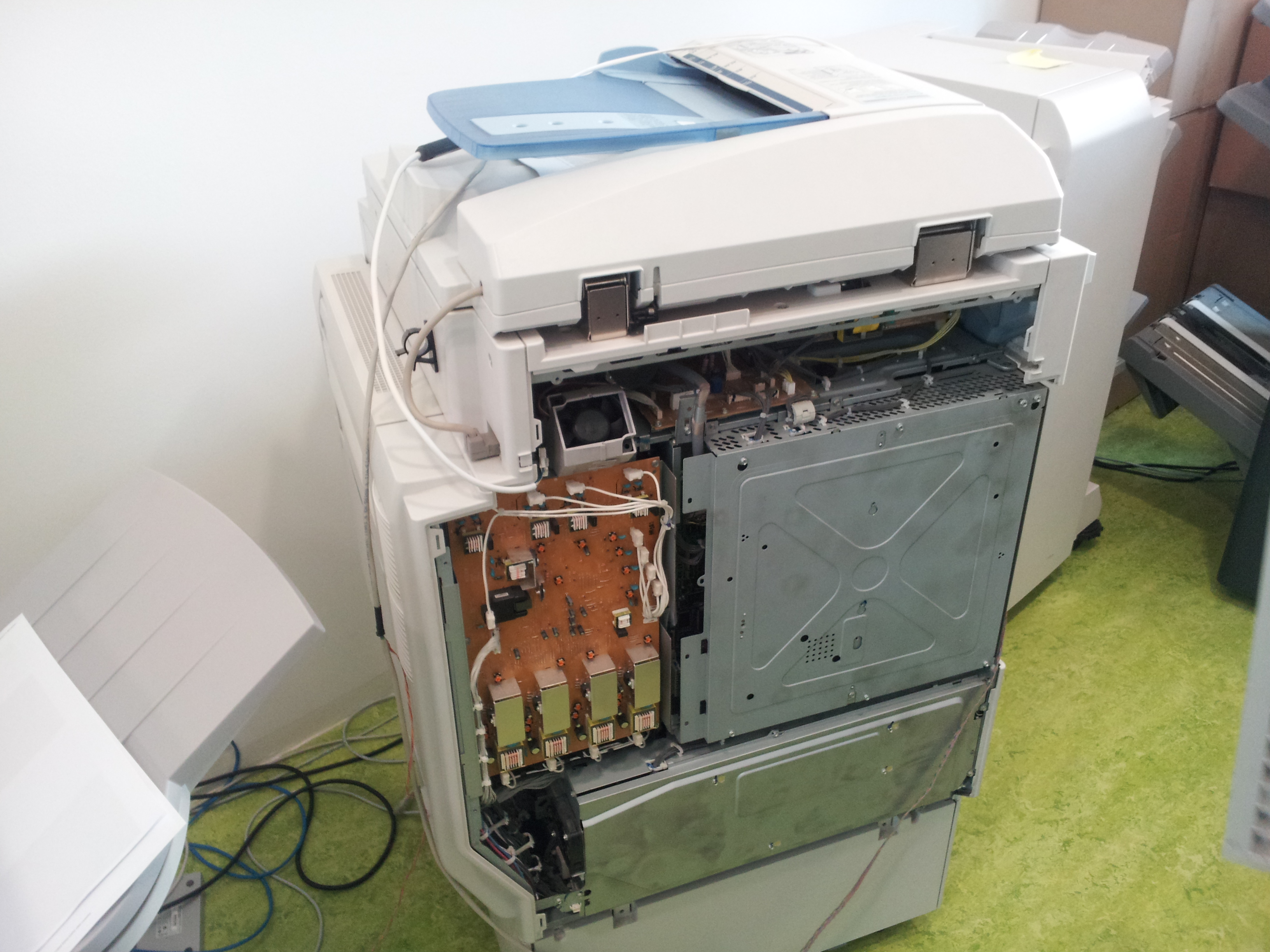
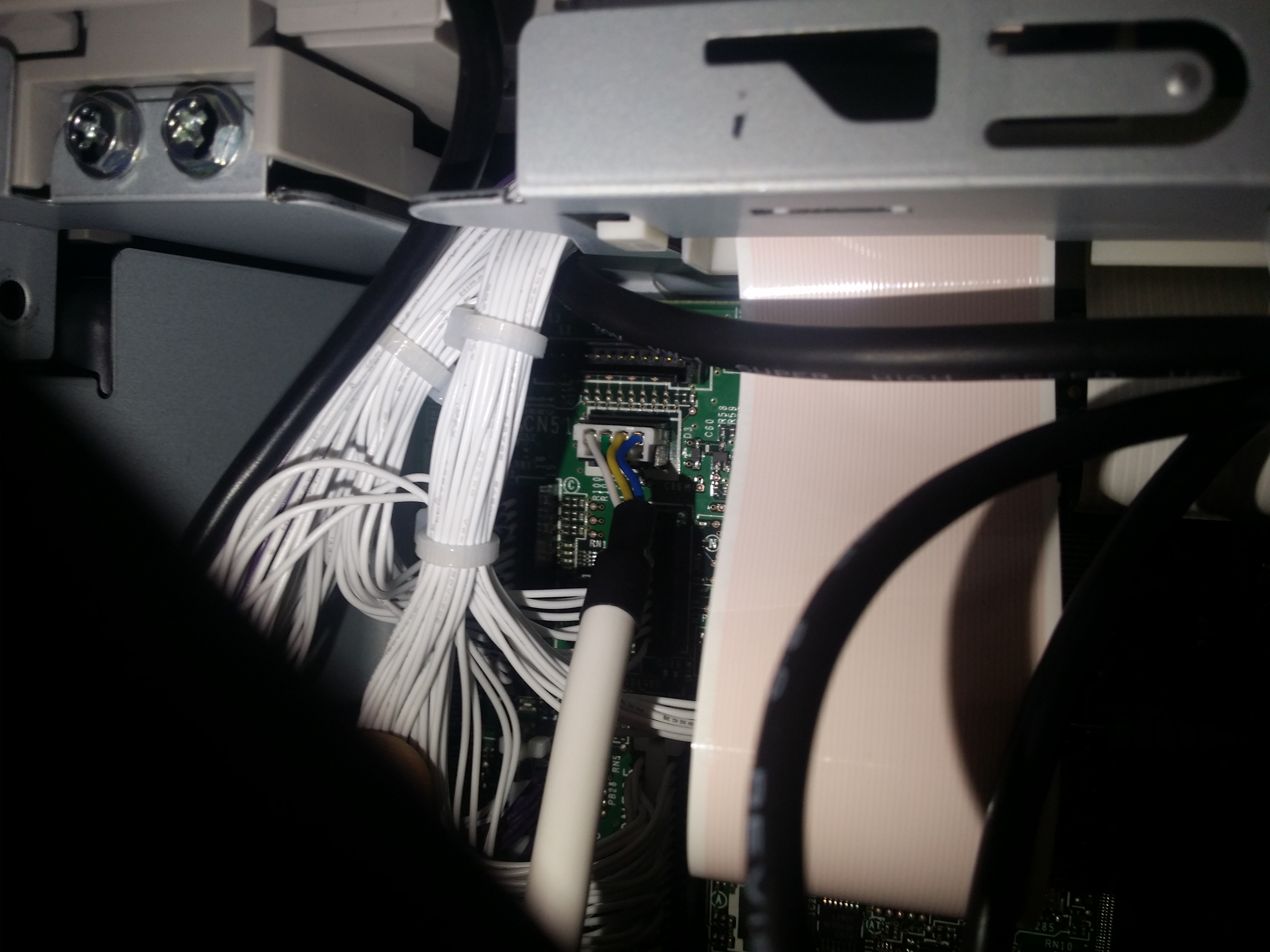
Ricoh Aficio MP C3003 / C3503 / C4503 / C5503 / C6003
YSQC0-013-0000 Cable Ricoh (4-pin)
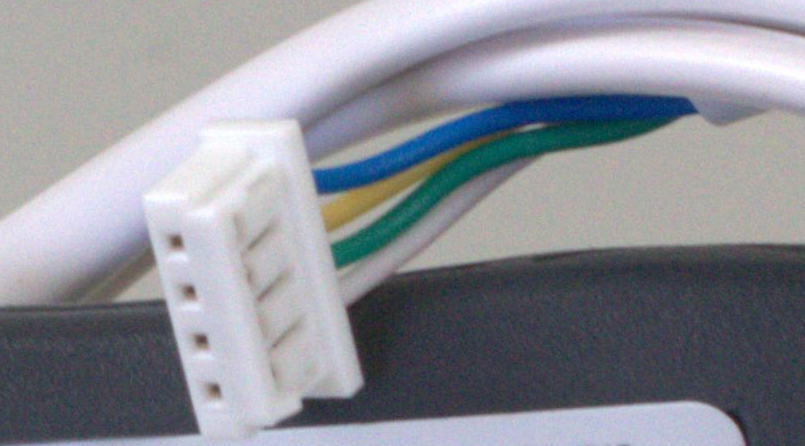
Connector is different by design and needs to be modified according to image.
Unknown Attachment Unknown Attachment
YSQC0-012-0000 Cable Ricoh (20-pin)
Optional Counter Interface Type A needs to be installed on device.
Unknown Attachment
Ricoh MP 2555/3055/3555/4055/5055/6055
YSQC0-059-0000 Cable Ricoh (4-pin) v2
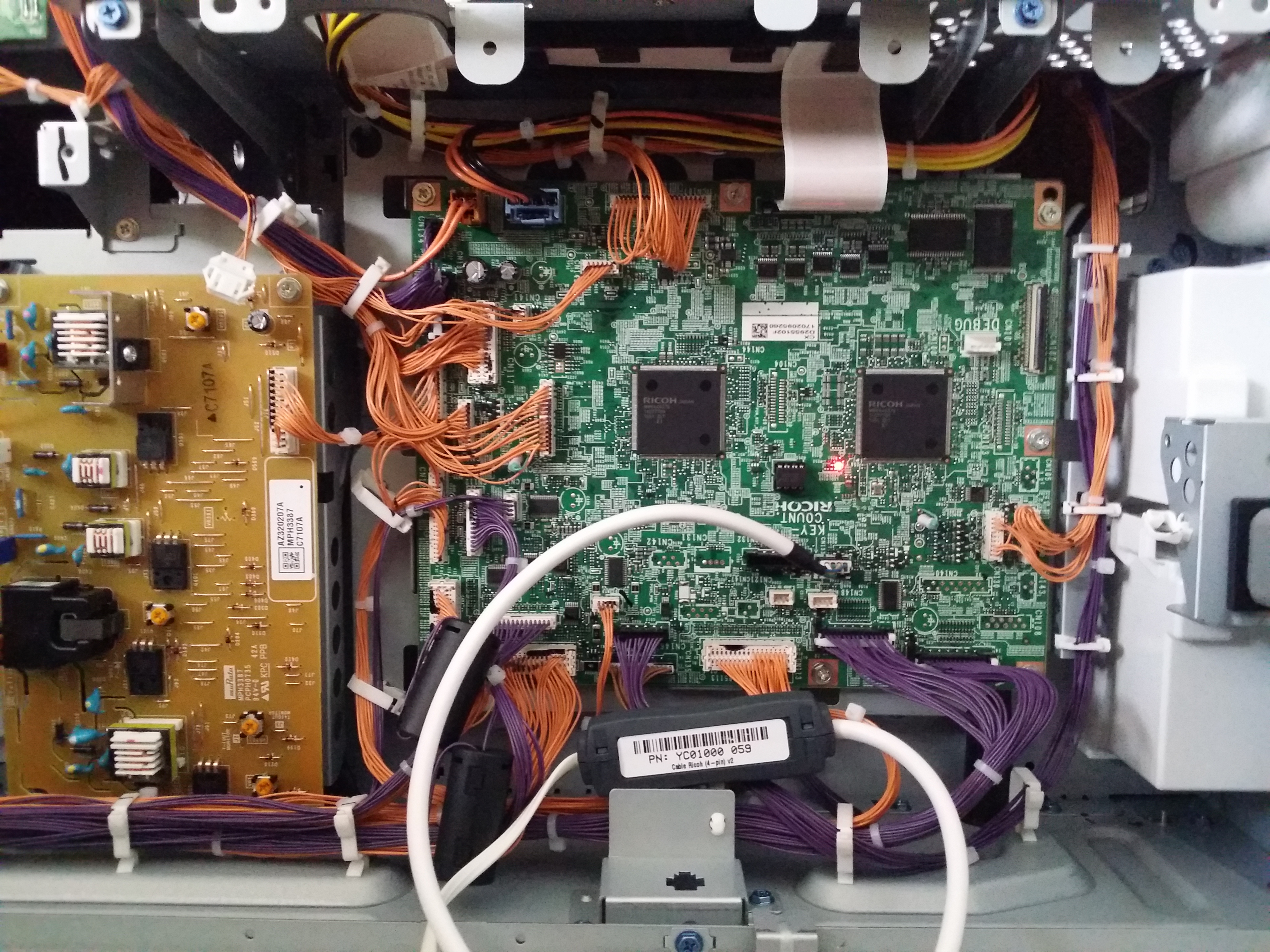
Ricoh MP C307/C407
YSQC0-059-0000 Cable Ricoh (4-pin) v2
Smart Blocking Cables for Hardware Terminals
Required for copy control
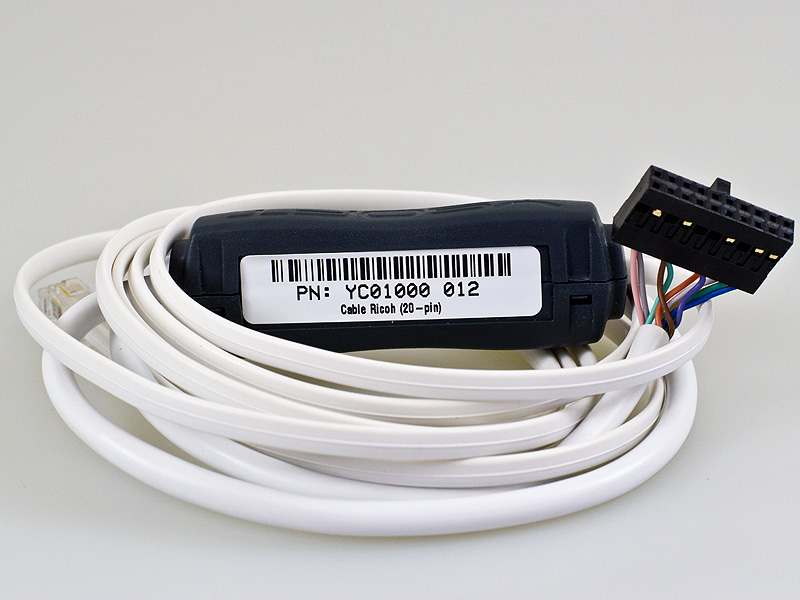
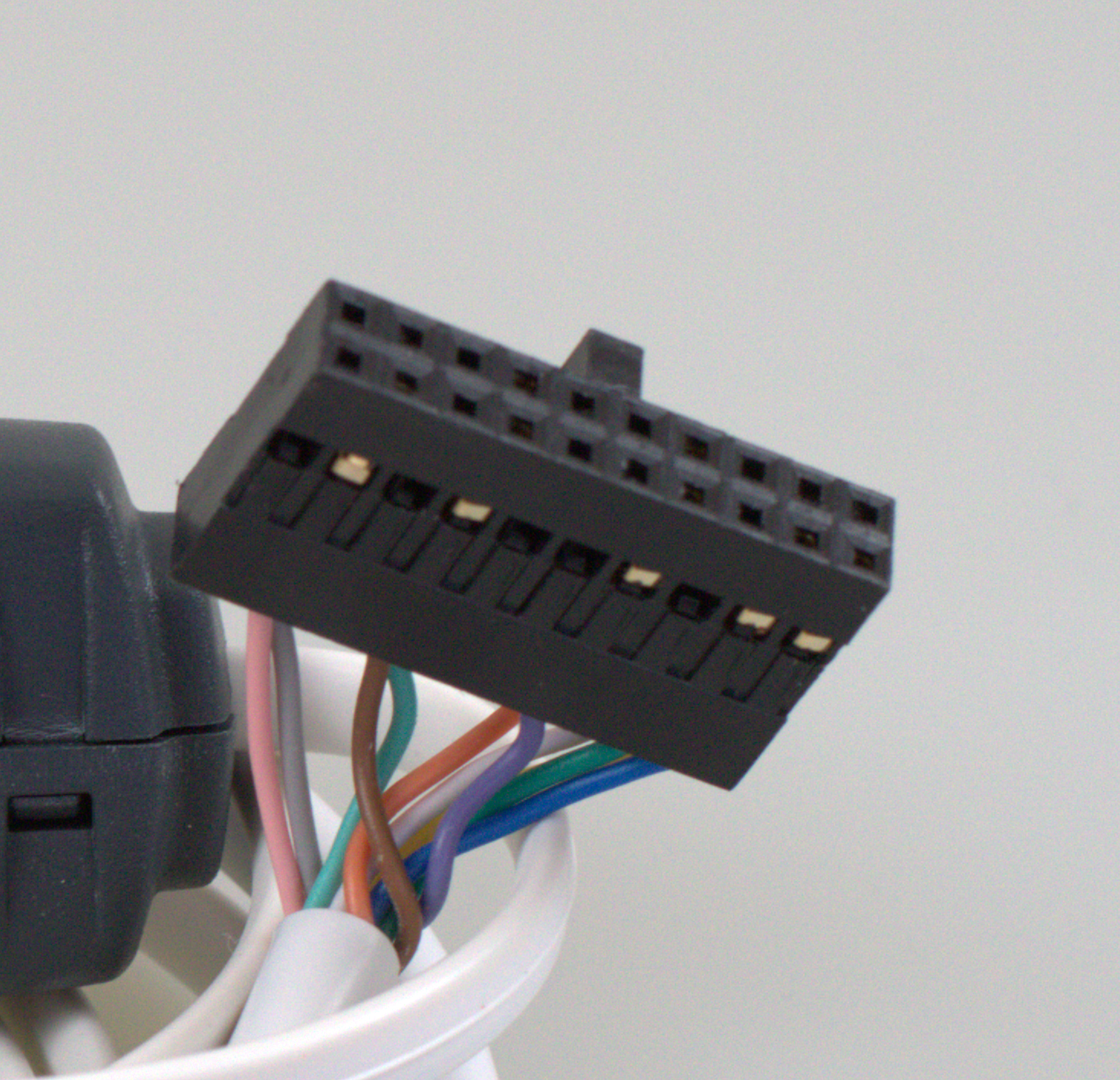
YSQC0-012-0000
Smart Cable Ricoh (20-pin)
EXTENSION SET FROM RICOH MUST BE ATTACHED BEFORE THE CABLE CAN BE CONNECTED
YSQC0-013-0000
Cable Ricoh (4-pin)
YSQC0-059-0000
Cable Ricoh (4-pin) v2