
-
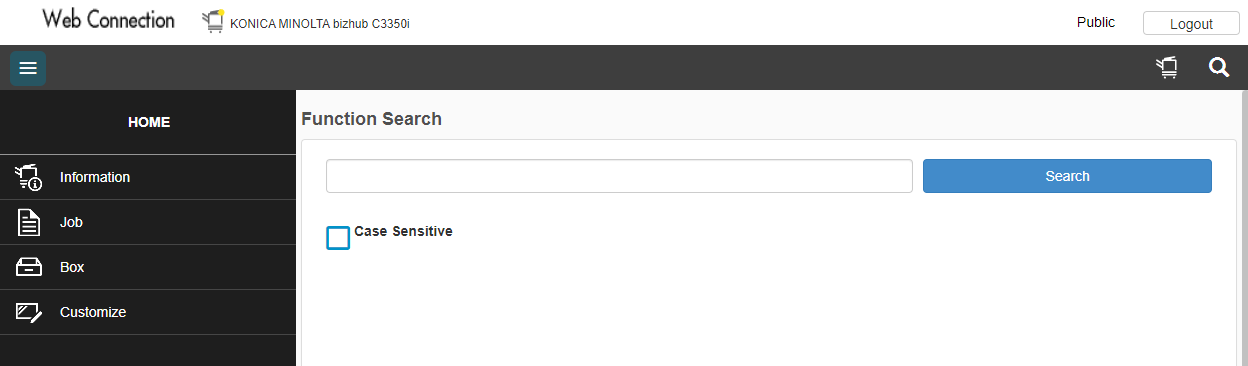
Open your Web browser and enter the MFD's IP address. The Public user web interface opens.
-
Press the Logout button in the upper right corner and confirm the logout.
-
Select User Type Administrator, insert password and press Login in the bottom right corner.
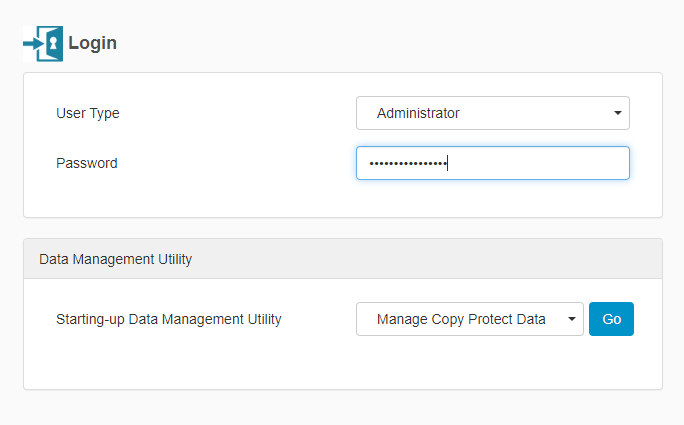
The default password is 1234567812345678
-
Administrator web interface opens, navigate to Security, PKI Settings, Device Certificate Setting and press New Registration.
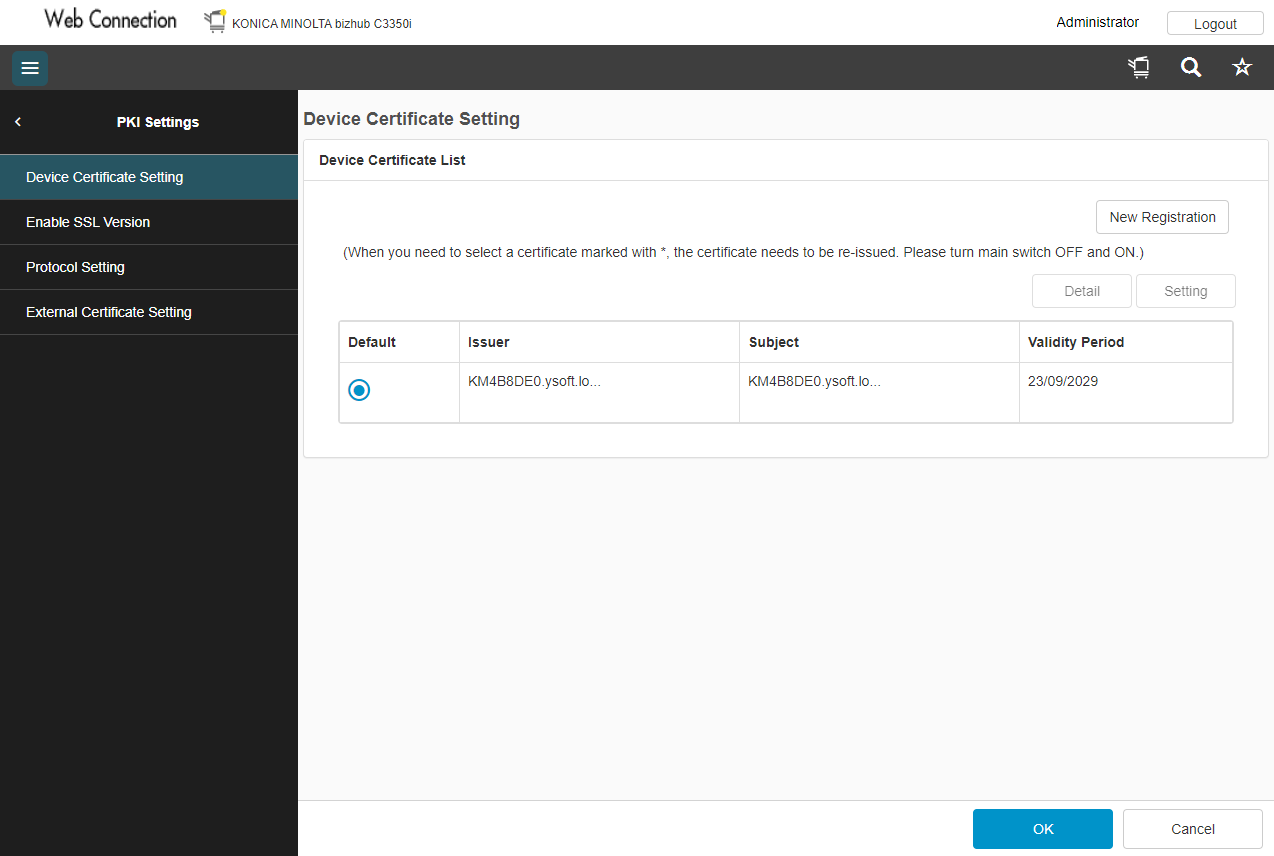
If the device already has a factory default settings certificate, delete it first and then create a new one.
-
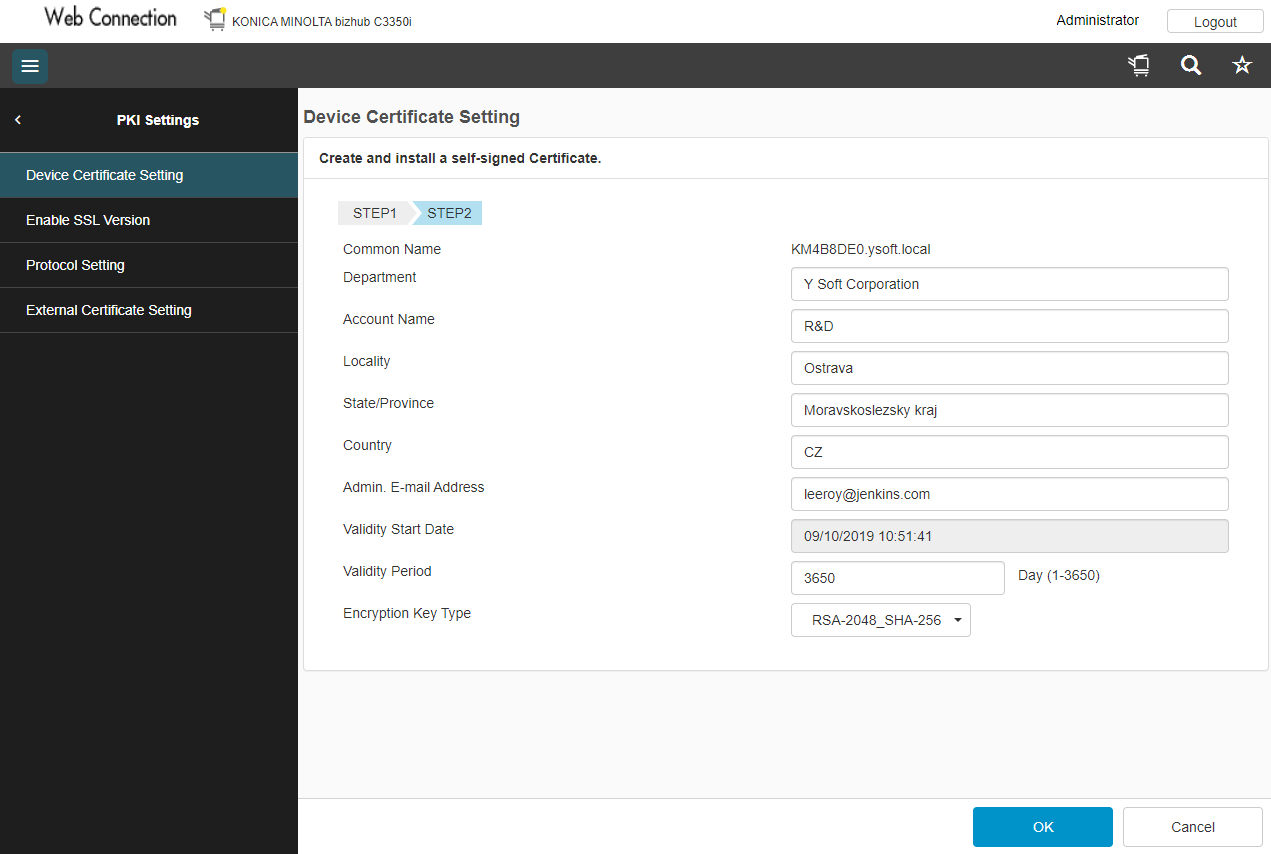
Select Create and install a self-signed Certificate and click OK.
-
Enter information for the SSL certificate; then click OK.
-
When the message "Certificate has been successfully created" appears, click OK.
-
Log out of the session. If a message appears saying that it is necessary to reboot, reboot the MFD.
If the MFD does not request a reboot, you must log out of the Web interface before continuing the terminal installation.