
Limitation: Mopria Print Service will not discover Mobile Integration Gateway if packets aggregation is used.
RFC 6762 specification is not supported by Mopria Print Service: "When possible, a Responder SHOULD, for the sake of network efficiency, aggregate as many responses as possible into a single Multicast DNS response packet."
Prerequisites
-
Android device with Android 4.4 or later
-
Some Android devices have Mopria Print Service preinstalled (for example Huawei or Samsung devices)
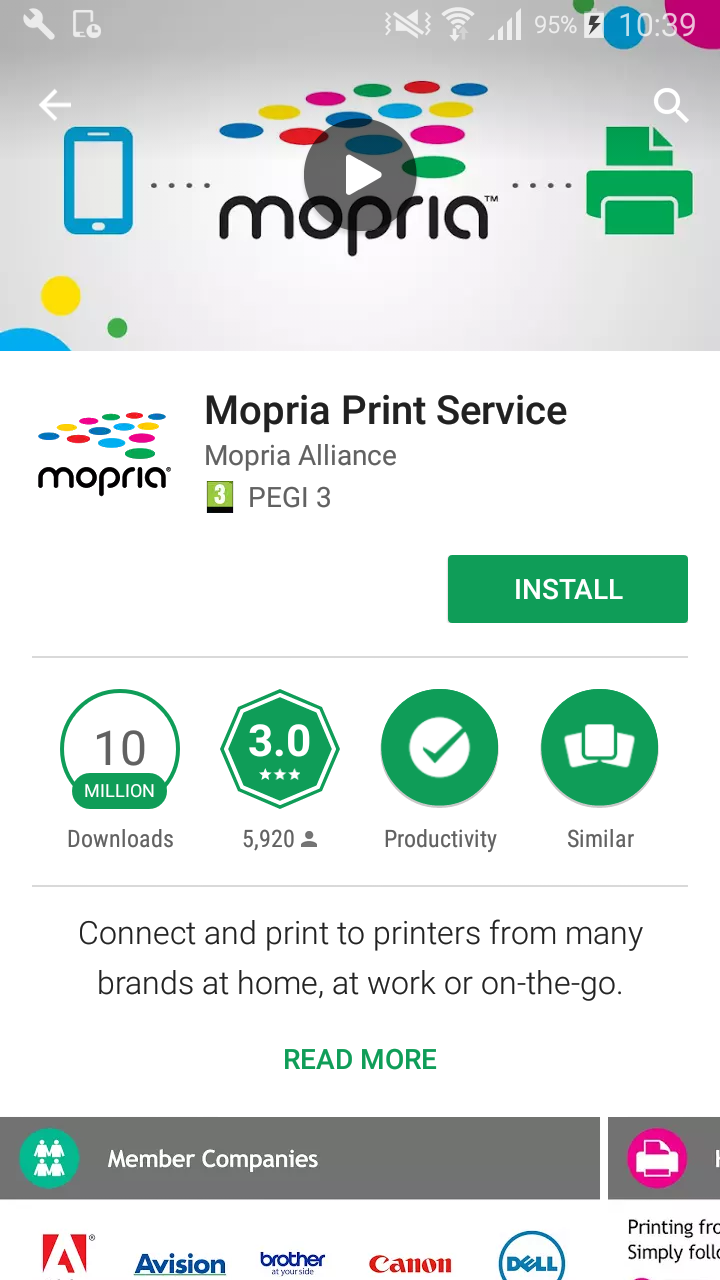
Installation Mopria Print Service from Play Store
-
Open the Play Store application.
-
Search for Mopria Print Service.
-
Download and install the application.
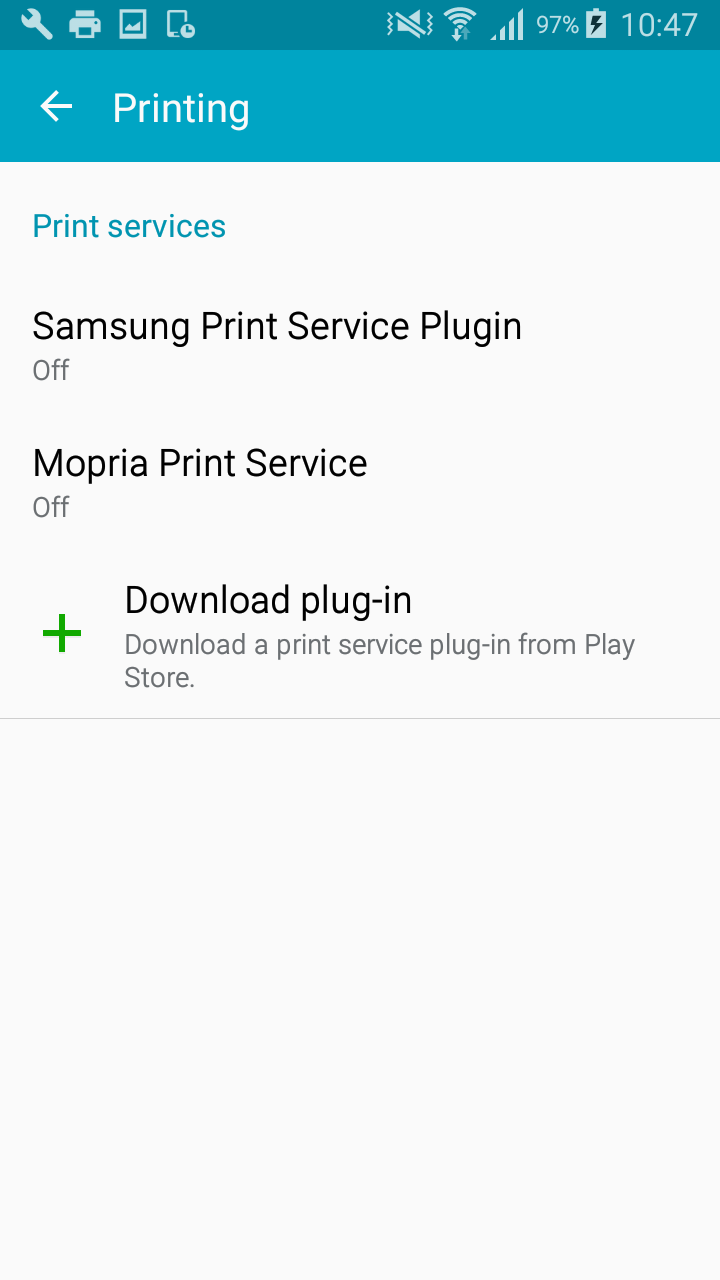
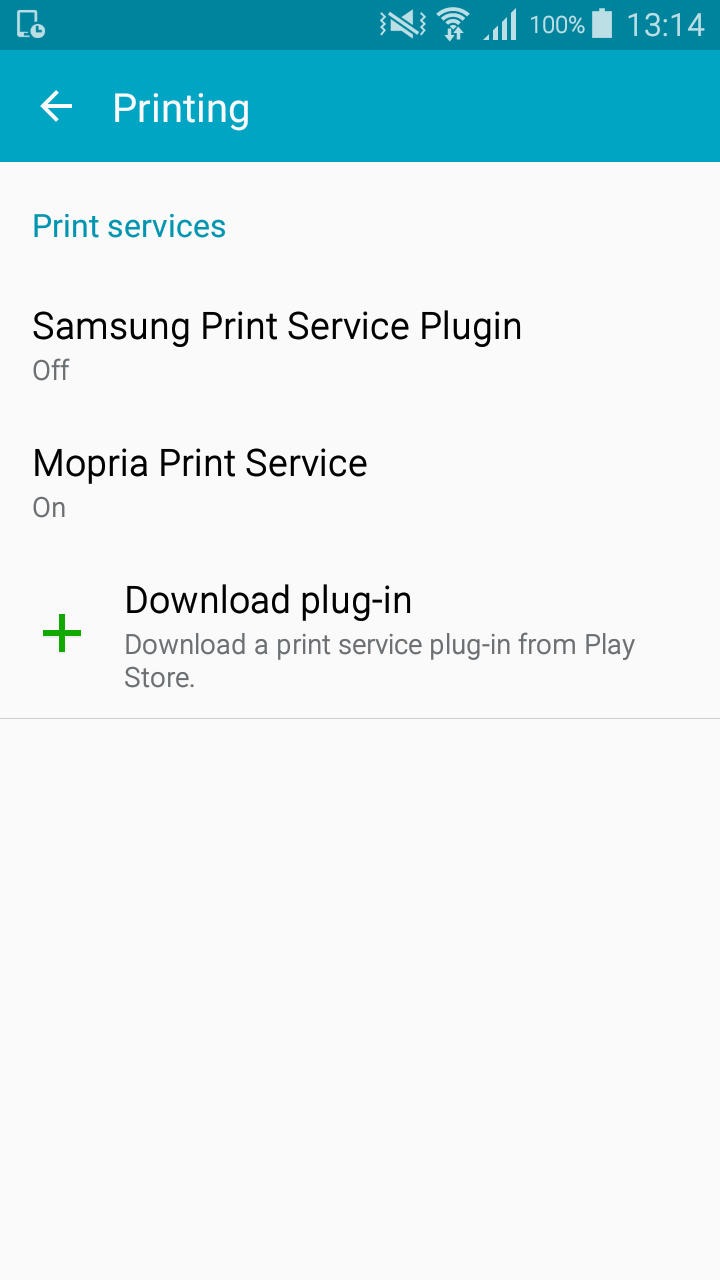
Enabling Mopria Print Service on Android
-
Open Settings.
-
Look for the Printing section.
-
Enable Mopria Print Service.
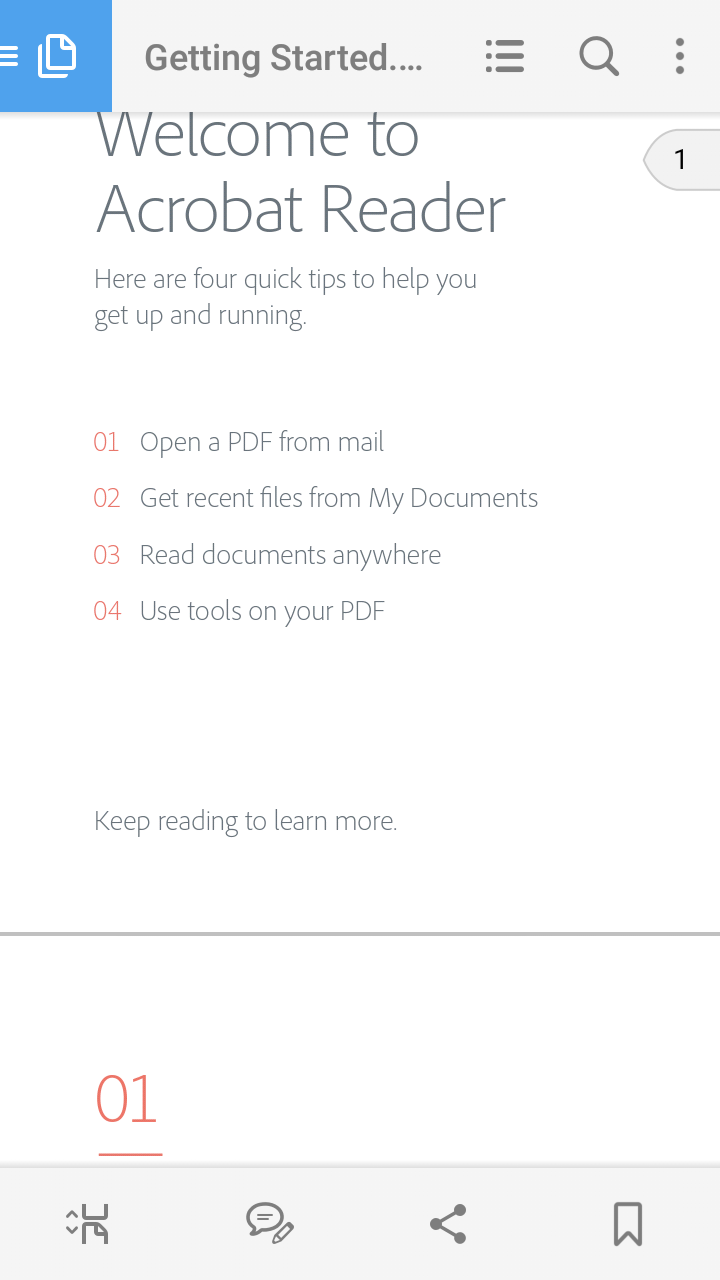
Example: Printing from Adobe Acrobat using Mopria Print Service
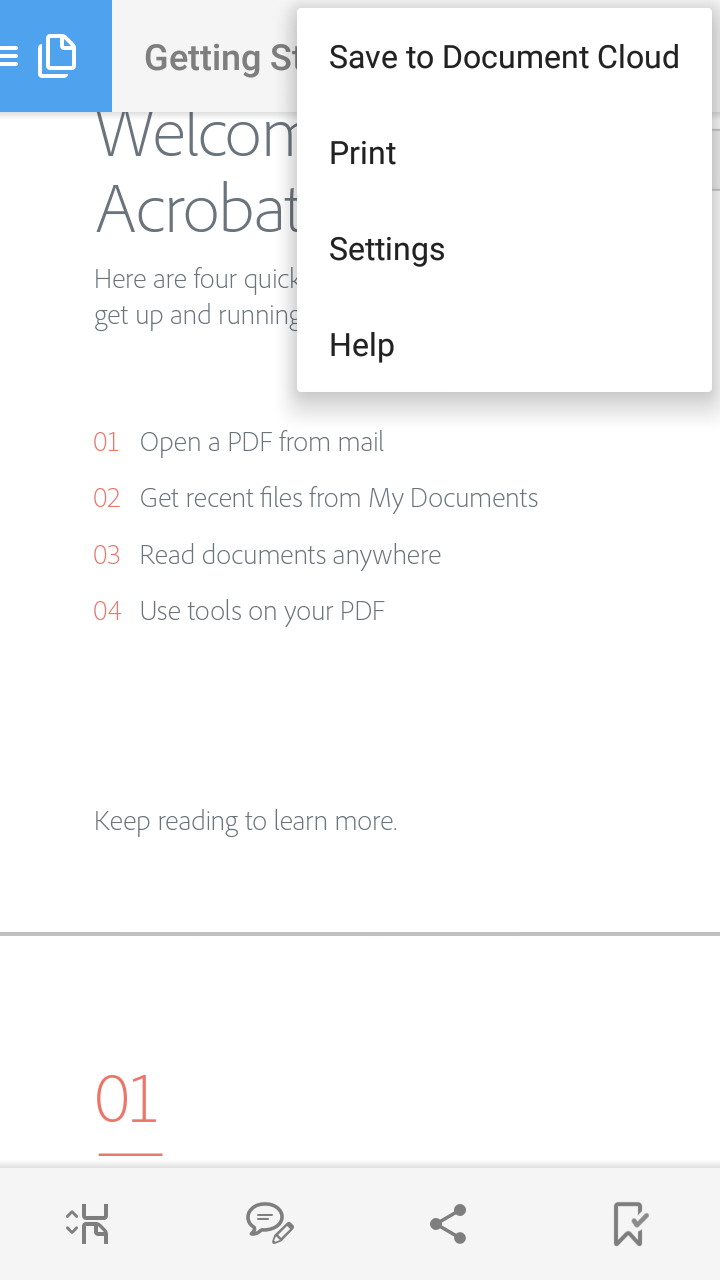
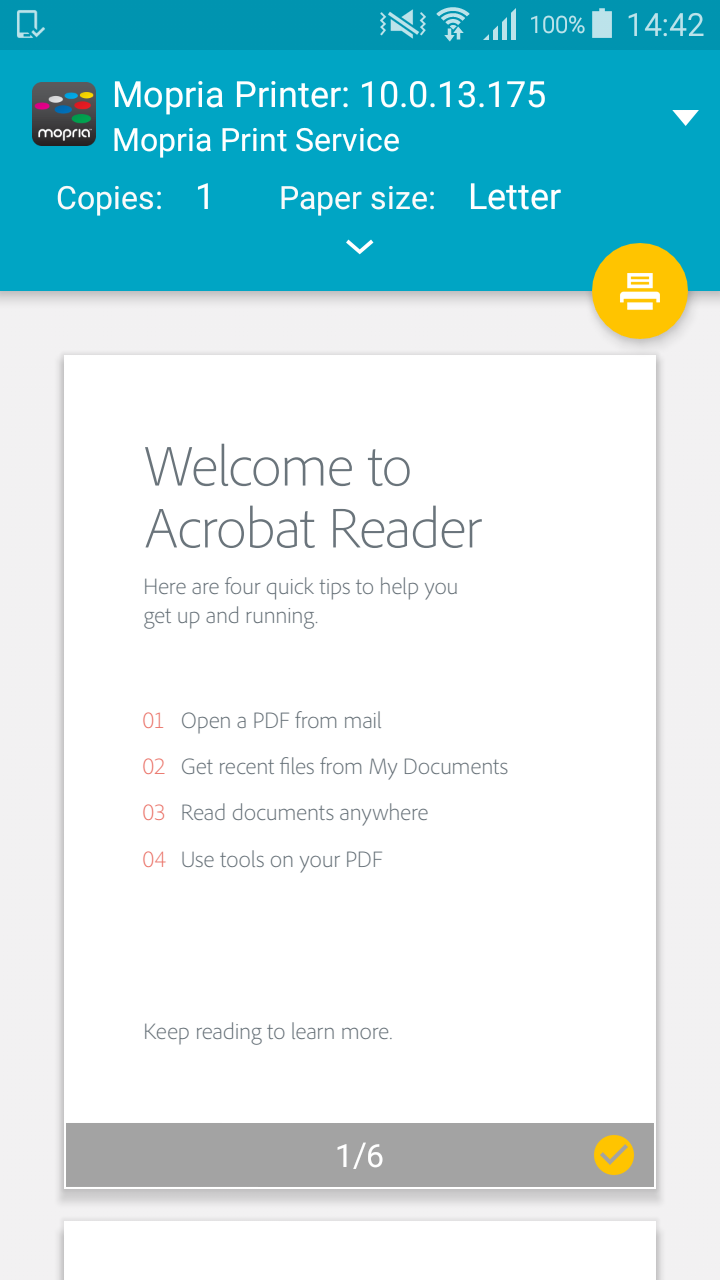
-
Open a PDF document in Adobe Acrobat.
-
Tap the three vertical dots in the top right corner.
-
Select Print.
-
Tap the printer button to send the document to YSoft SafeQ 6.